> ## Documentation Index
> Fetch the complete documentation index at: https://docs.linkup.so/llms.txt
> Use this file to discover all available pages before exploring further.

# Zapier

> Integrate Linkup in Zapier to augment your workflows

## Overview

Linkup can be used as a [Zapier](https://zapier.com) Action to get contextual information from the internet in a workflow.

## Installation

<Steps>
  <Step title="Open Zapier">
    1. Open your Zapier account.
    2. Go to the dashboard Create > Zaps.
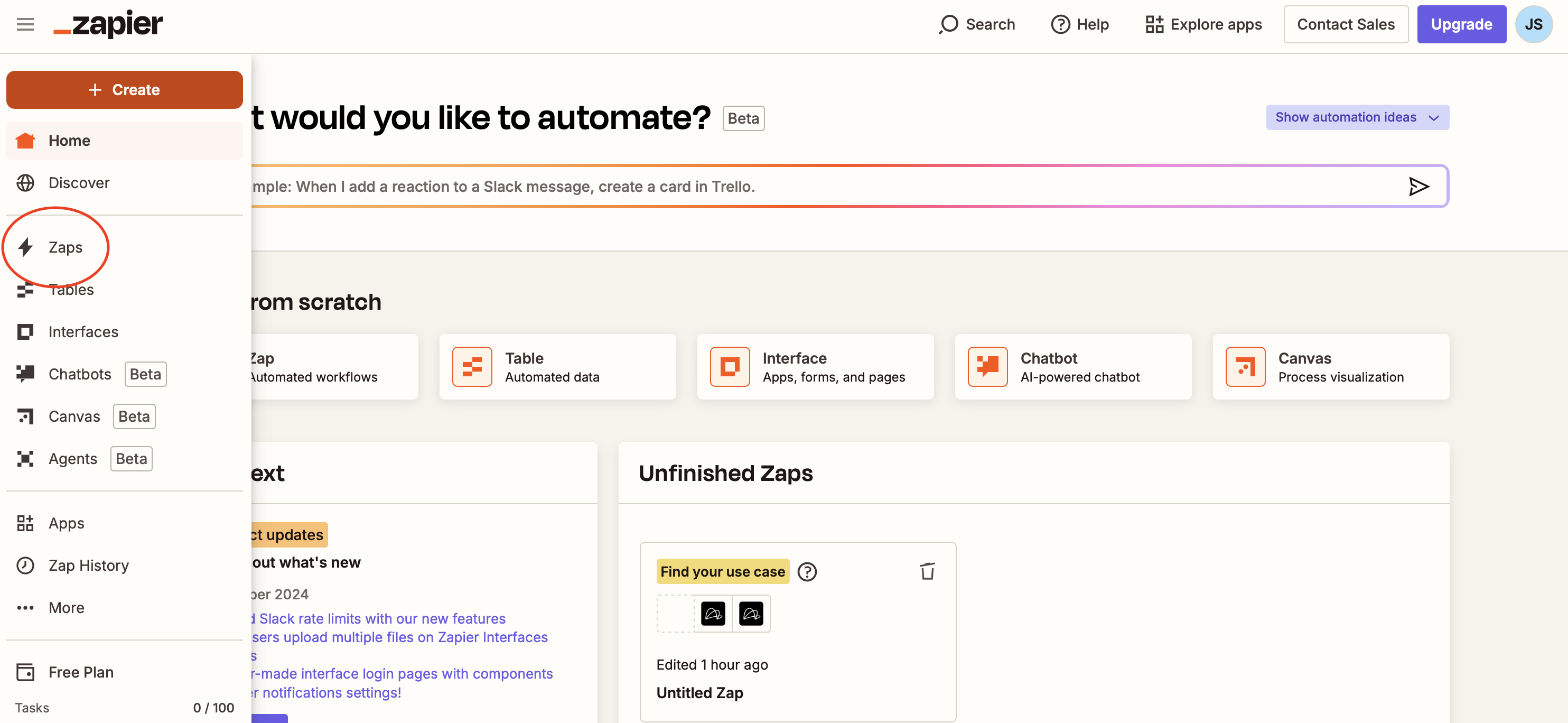
           <img src="https://mintcdn.com/linkup-8b5c238e/oh3ymISFMHZ8Z97k/pages/integrations/zapier/assets/click_on_create.png?fit=max&auto=format&n=oh3ymISFMHZ8Z97k&q=85&s=caaf717f9d4a84191dd5ec3378846935" alt="Zapier" width="2968" height="1368" data-path="pages/integrations/zapier/assets/click_on_create.png" />
  </Step>

  <Step title="Select Linkup Action">
    1. Click on Action to select a Linkup Action
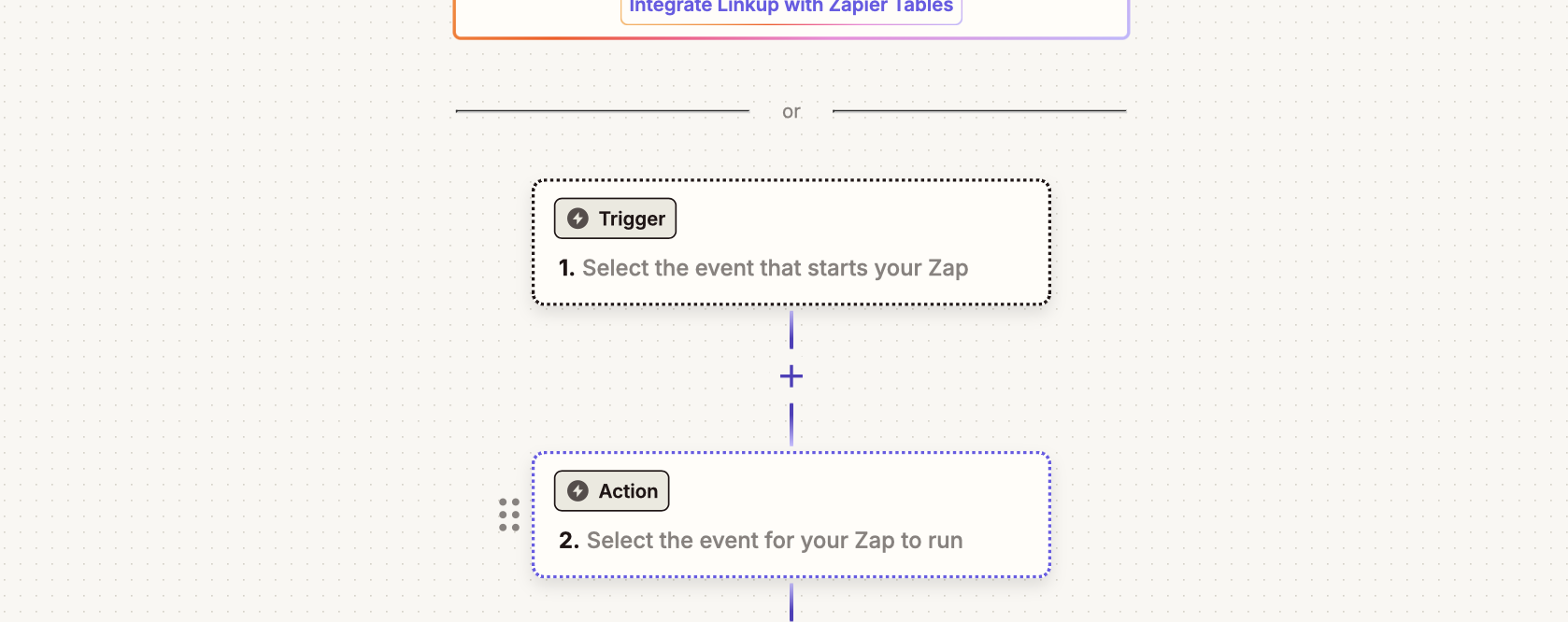
           <img src="https://mintcdn.com/linkup-8b5c238e/oh3ymISFMHZ8Z97k/pages/integrations/zapier/assets/click_on_action.png?fit=max&auto=format&n=oh3ymISFMHZ8Z97k&q=85&s=669f5294de667677a5fd0ec45daeafc1" alt="Zapier" width="1678" height="666" data-path="pages/integrations/zapier/assets/click_on_action.png" />

    2. Search for Linkup and click on Linkup
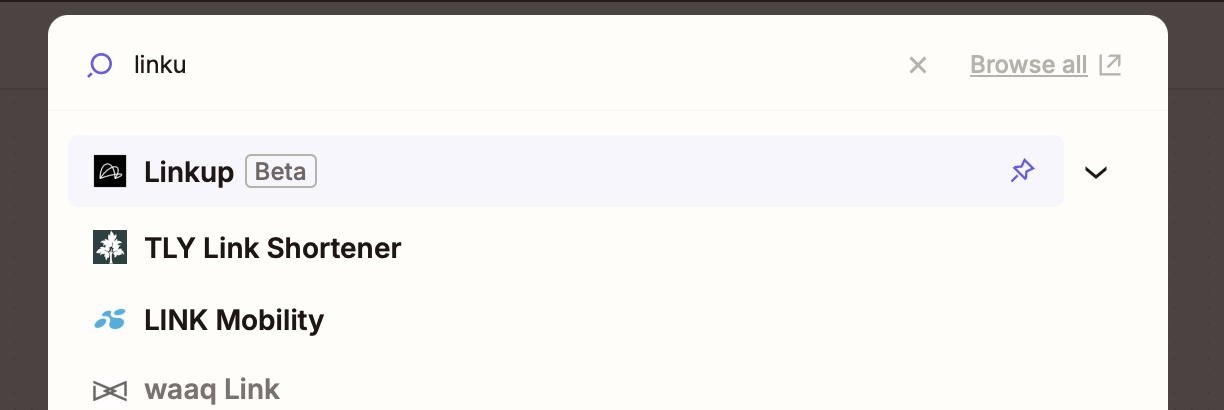
           <img src="https://mintcdn.com/linkup-8b5c238e/oh3ymISFMHZ8Z97k/pages/integrations/zapier/assets/search_linkup.png?fit=max&auto=format&n=oh3ymISFMHZ8Z97k&q=85&s=e90cf6fe394825b70c672edaa4e9f030" alt="Zapier" width="1224" height="410" data-path="pages/integrations/zapier/assets/search_linkup.png" />

    3. Select the Linkup Action you want to use
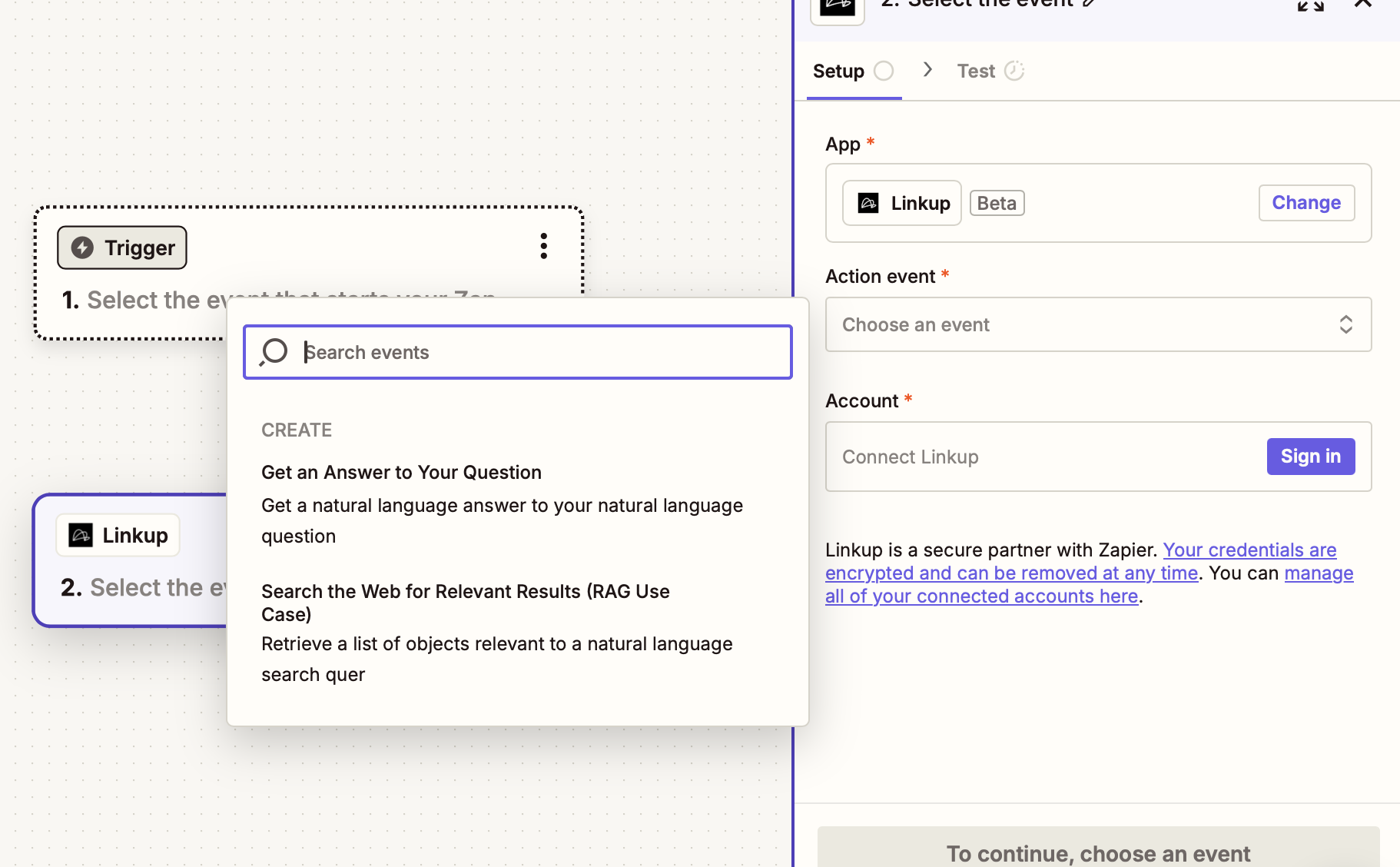
           <img src="https://mintcdn.com/linkup-8b5c238e/oh3ymISFMHZ8Z97k/pages/integrations/zapier/assets/choose_action.png?fit=max&auto=format&n=oh3ymISFMHZ8Z97k&q=85&s=c28063d2abf758de9510b6365b4fb4e8" alt="Zapier" width="1822" height="1128" data-path="pages/integrations/zapier/assets/choose_action.png" />
  </Step>

  <Step title="Connect Linkup Account">
    1. Get your Linkup API Key:

    <Card title="Get your API key" icon="key" href="https://app.linkup.so" horizontal="True">
      Create a Linkup account for free to get your API key.
    </Card>

    2. Click on Account.

    3. Enter your Linkup API Key.
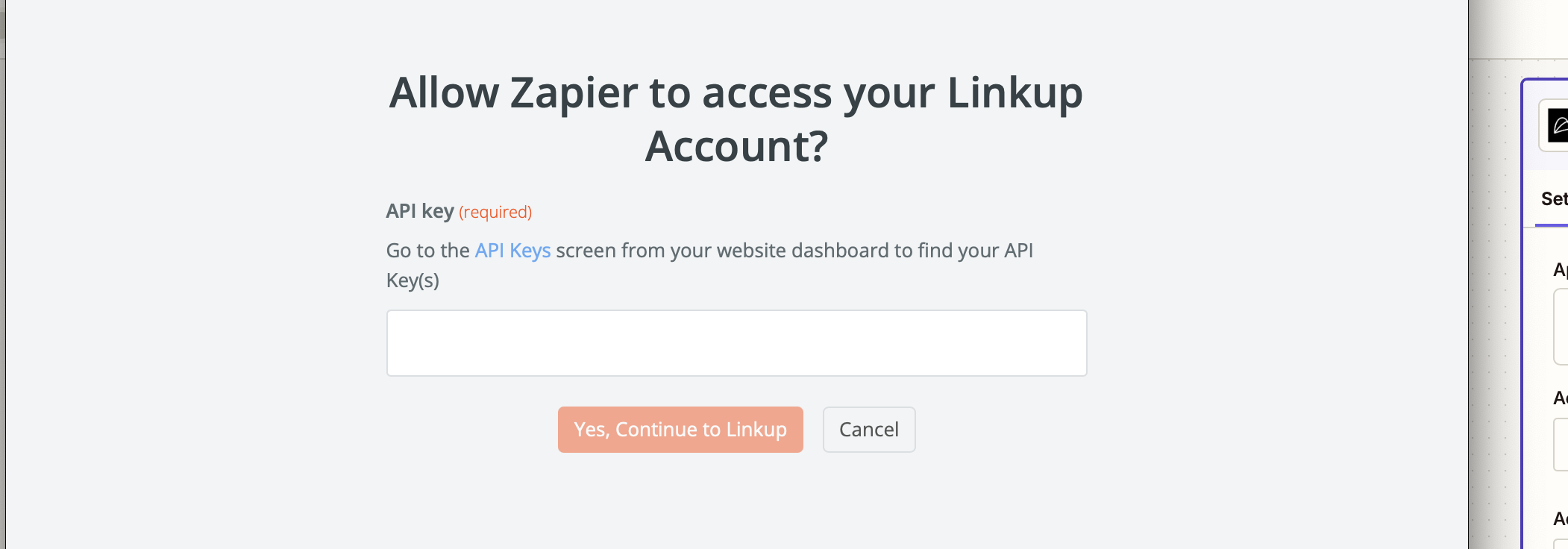
           <img src="https://mintcdn.com/linkup-8b5c238e/oh3ymISFMHZ8Z97k/pages/integrations/zapier/assets/enter_api_key.png?fit=max&auto=format&n=oh3ymISFMHZ8Z97k&q=85&s=93096c69e93a0ef06e2c080b71eeba4f" alt="Zapier" width="2102" height="736" data-path="pages/integrations/zapier/assets/enter_api_key.png" />

    4. Click on Yes, Continue to Linkup.

    5. Click on Continue
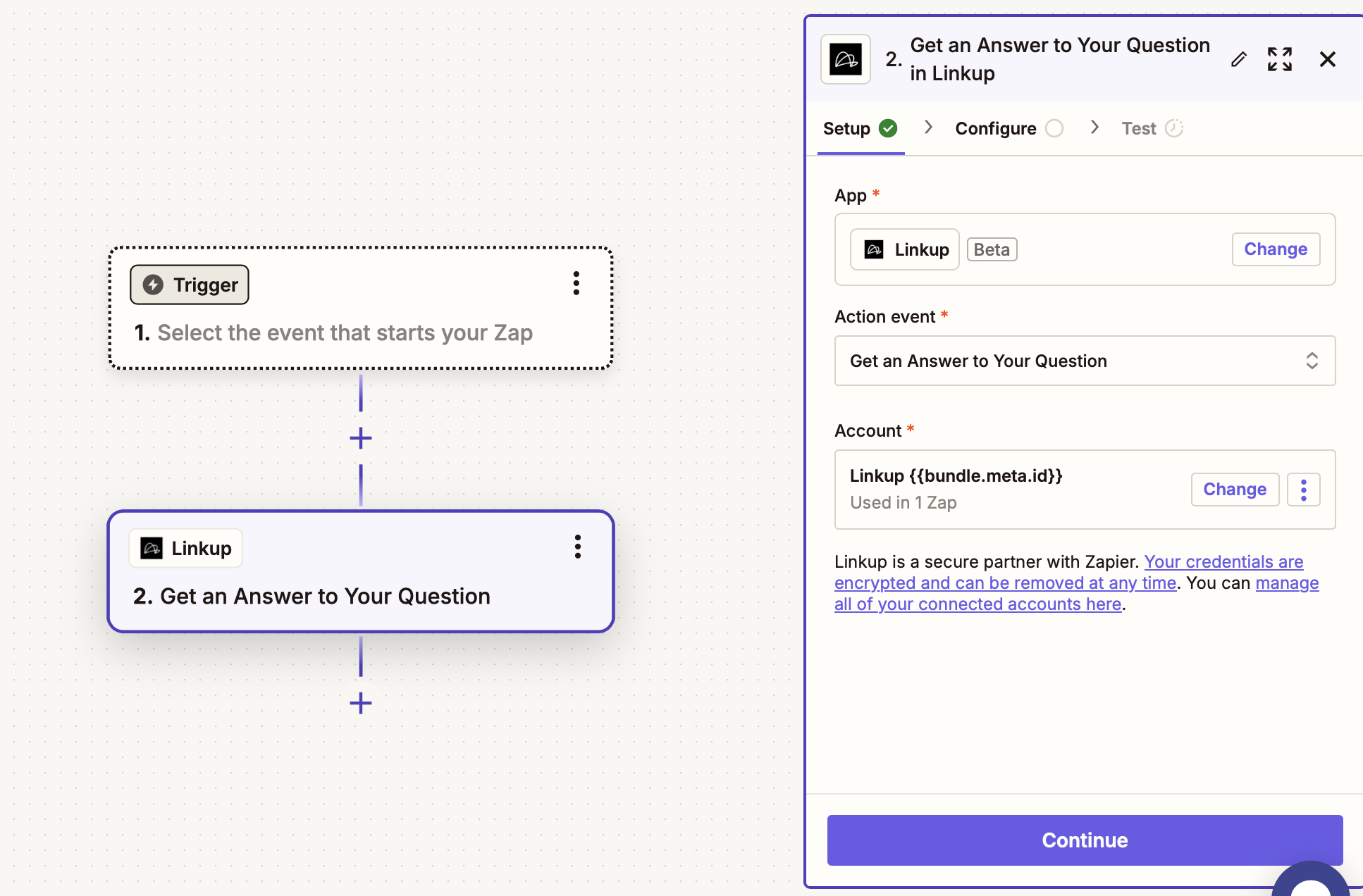
           <img src="https://mintcdn.com/linkup-8b5c238e/oh3ymISFMHZ8Z97k/pages/integrations/zapier/assets/click_continue.png?fit=max&auto=format&n=oh3ymISFMHZ8Z97k&q=85&s=fd5ba312c6667e2b49a948d23ed978f7" alt="Zapier" width="1934" height="1272" data-path="pages/integrations/zapier/assets/click_continue.png" />
  </Step>

  <Step title="Configure and Run">
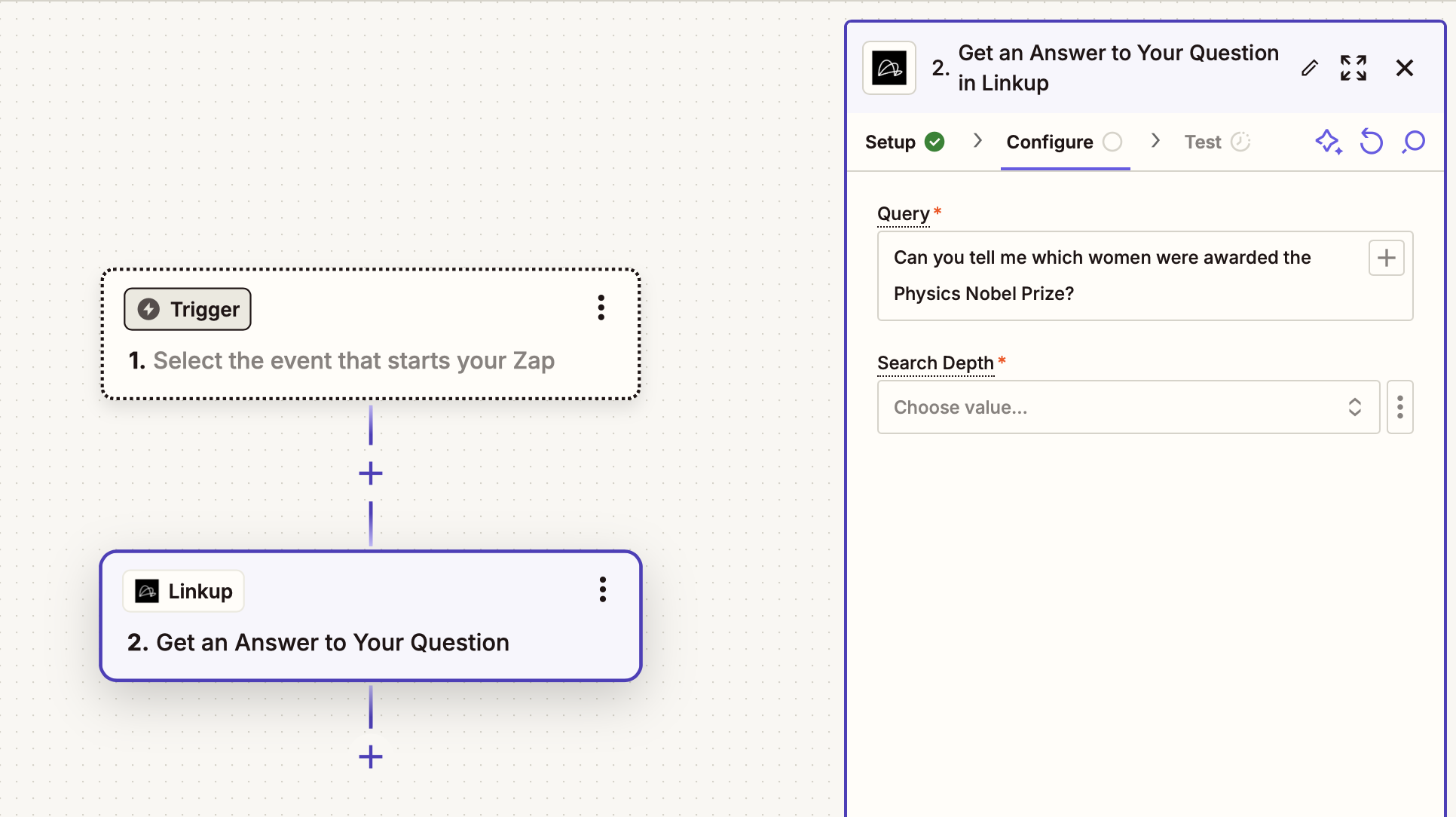
    1. Enter your search query.

           <img src="https://mintcdn.com/linkup-8b5c238e/oh3ymISFMHZ8Z97k/pages/integrations/zapier/assets/choose_query.png?fit=max&auto=format&n=oh3ymISFMHZ8Z97k&q=85&s=d1beb616a1de1192bfddbe857109868c" alt="Zapier" width="1932" height="1084" data-path="pages/integrations/zapier/assets/choose_query.png" />

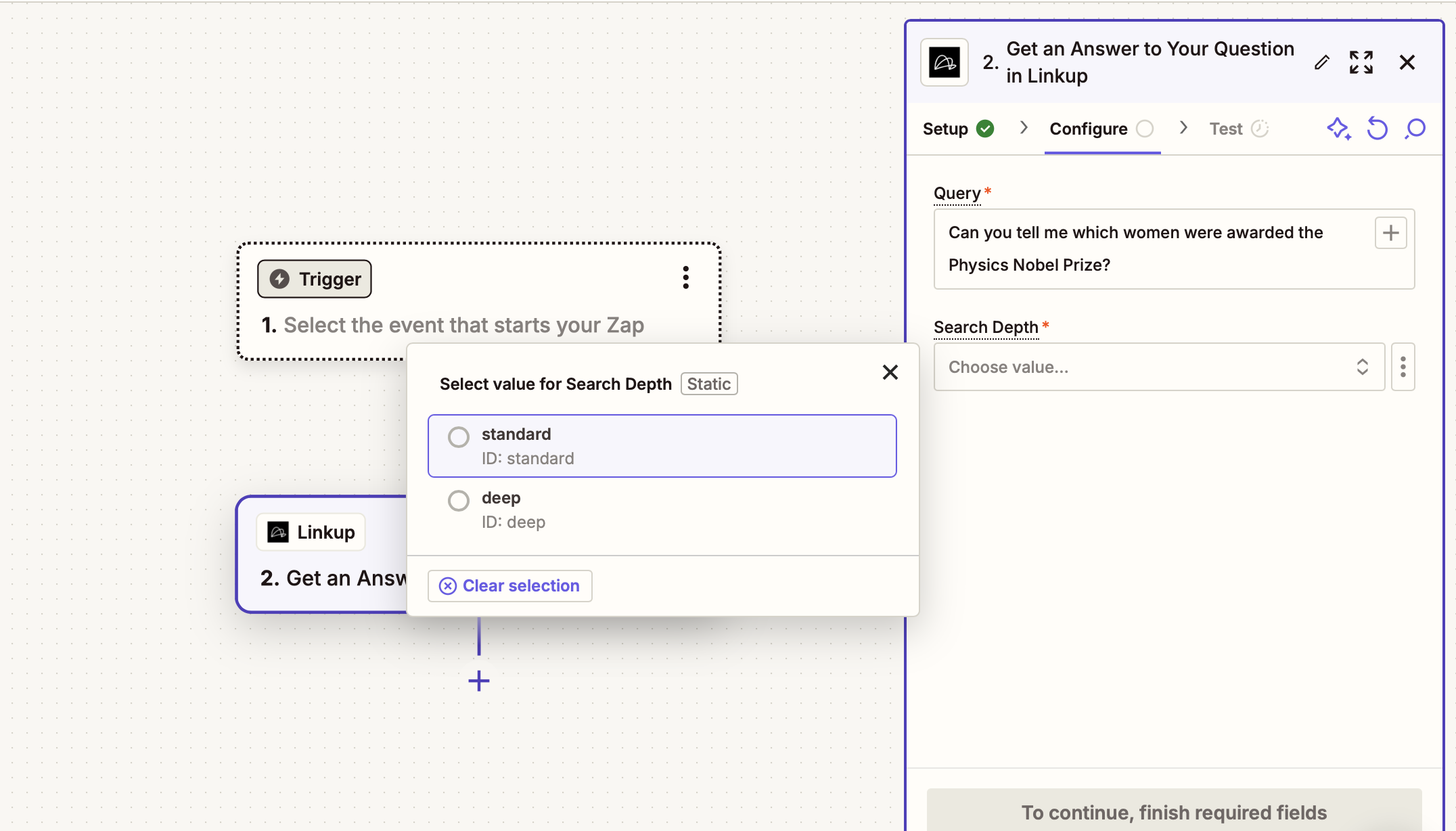
    2. Choose the depth of the search.

           <img src="https://mintcdn.com/linkup-8b5c238e/oh3ymISFMHZ8Z97k/pages/integrations/zapier/assets/choose_depth.png?fit=max&auto=format&n=oh3ymISFMHZ8Z97k&q=85&s=30a2b2b6c62e86dd4da9ebb4a1a1d2e4" alt="Zapier" width="2152" height="1228" data-path="pages/integrations/zapier/assets/choose_depth.png" />

    3. Click on Continue.
  </Step>
</Steps>

You are all set to use Linkup in your Zapier workflow! Visit the [Concepts](/pages/documentation/endpoints/search/overview) page to learn more about the different Linkup parameters.

<Info>
  **Need help?** Email `support@linkup.so`, ping us on [Discord](https://discord.com/invite/9q9mCYJa86), or [talk to us](https://calendar.app.google/zNUZz7RxgMMk9pKW7).
</Info>