

Overview
You can connect a Make workflow to web search through Linkup, which can be used as a Module to get contextual information from the internet.Installation
1
Open Make
Go to your Make account and navigate to dashboard > Scenario > Create a new scenario.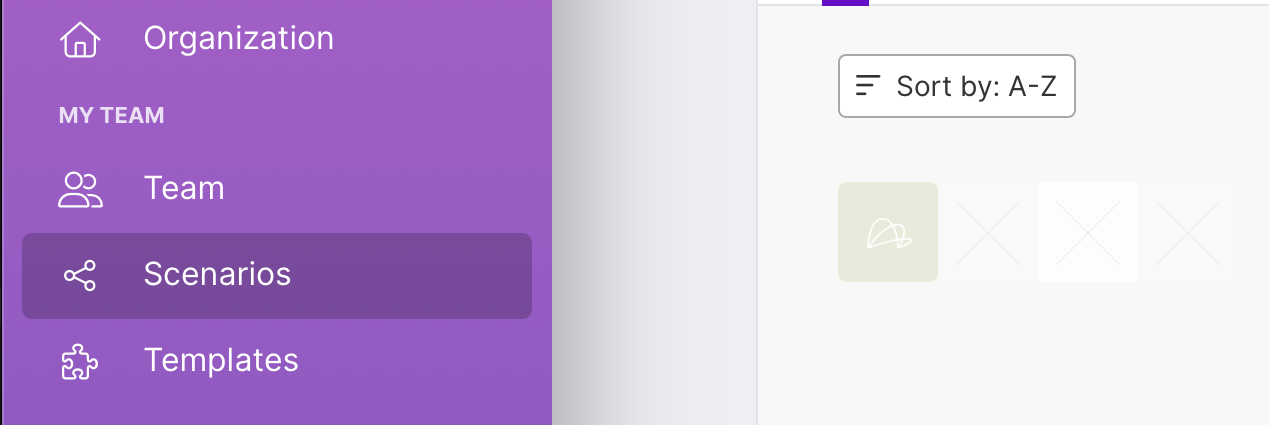

2
Select Linkup Action
Search for Linkup in the searchbar and select the Linkup Action you want to use.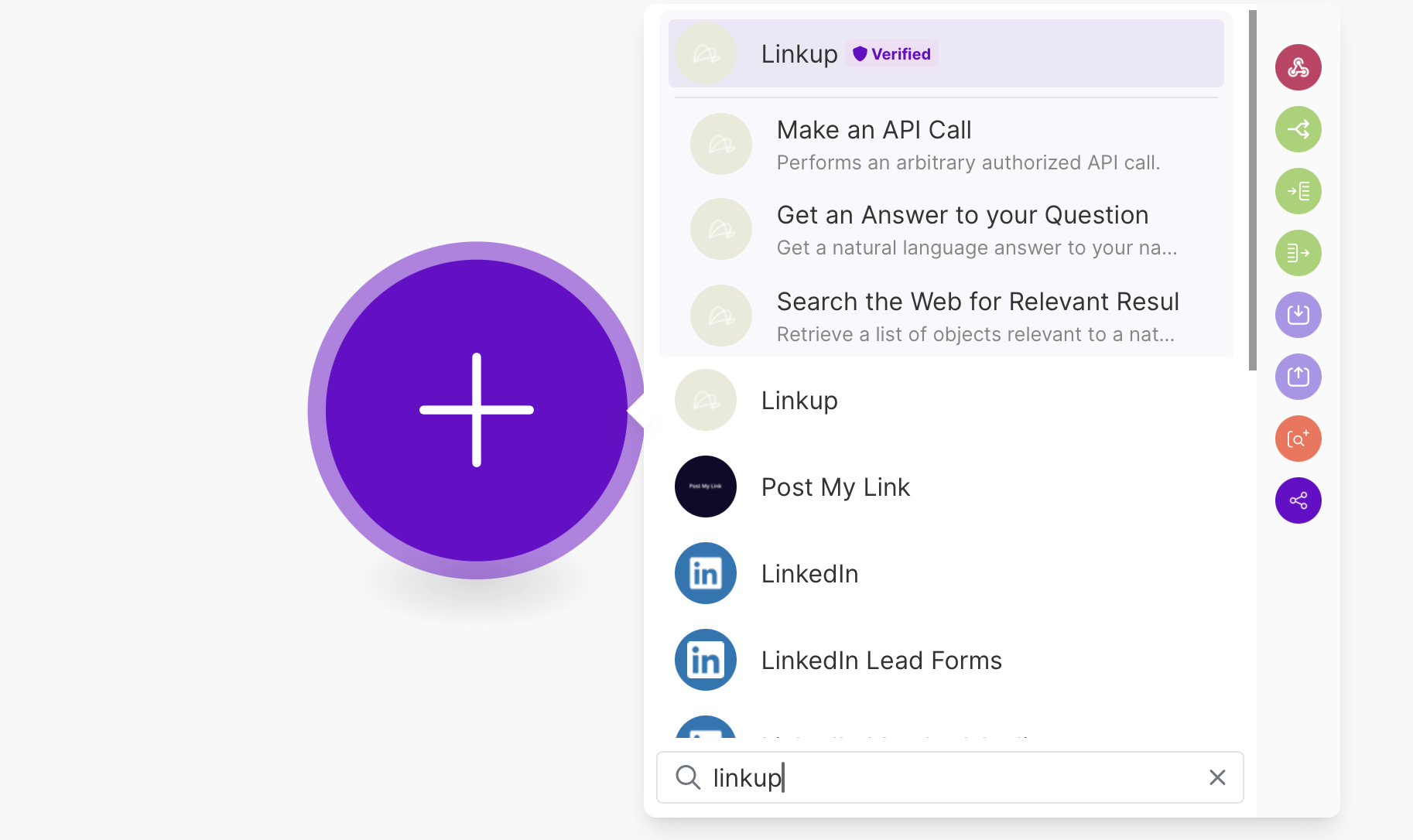
3
Connect Your Account
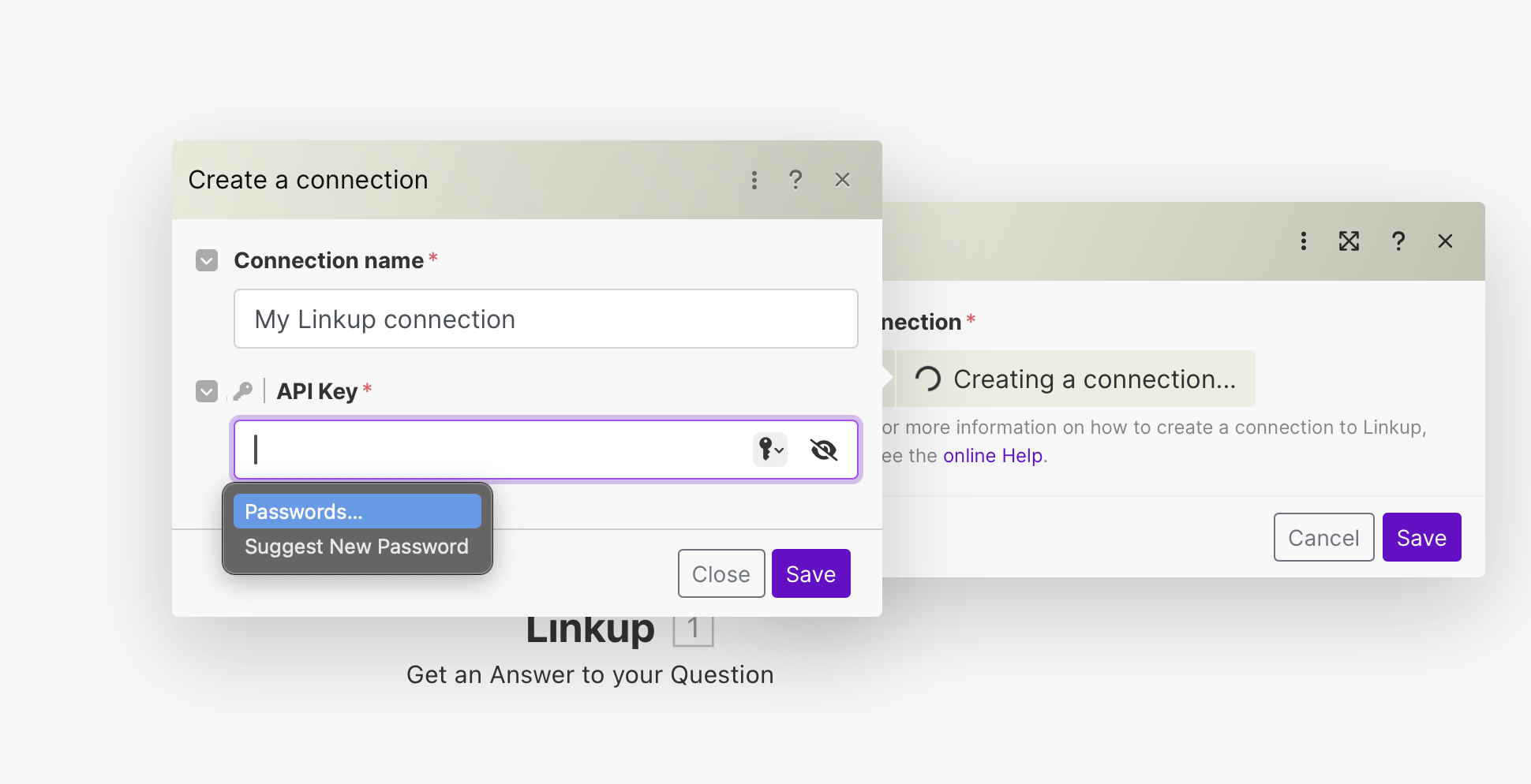
Get your Linkup API Key and create a connection.Click on Create a Connection and enter your Linkup API Key.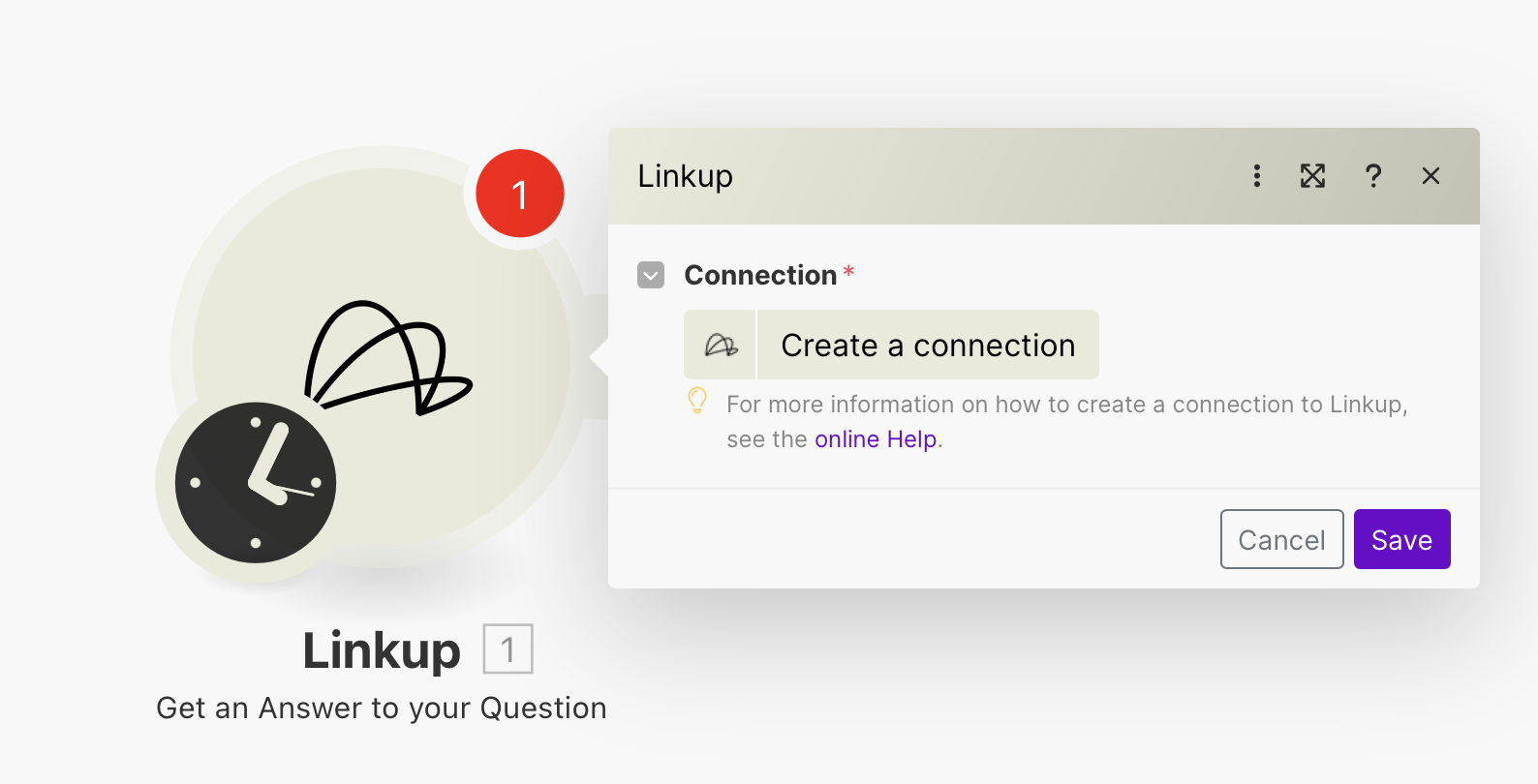
Get your API key
Create a Linkup account for free to get your API key.
4
Configure Your Action
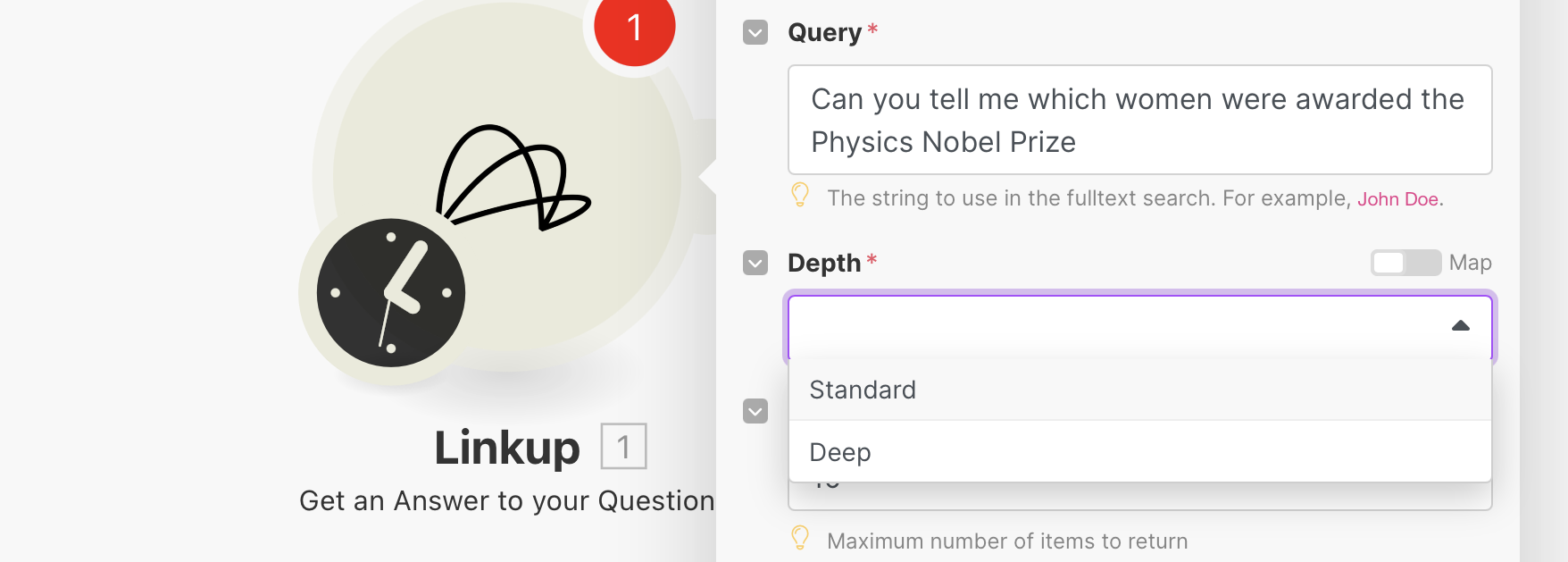
Enter your search query and choose the depth of the search.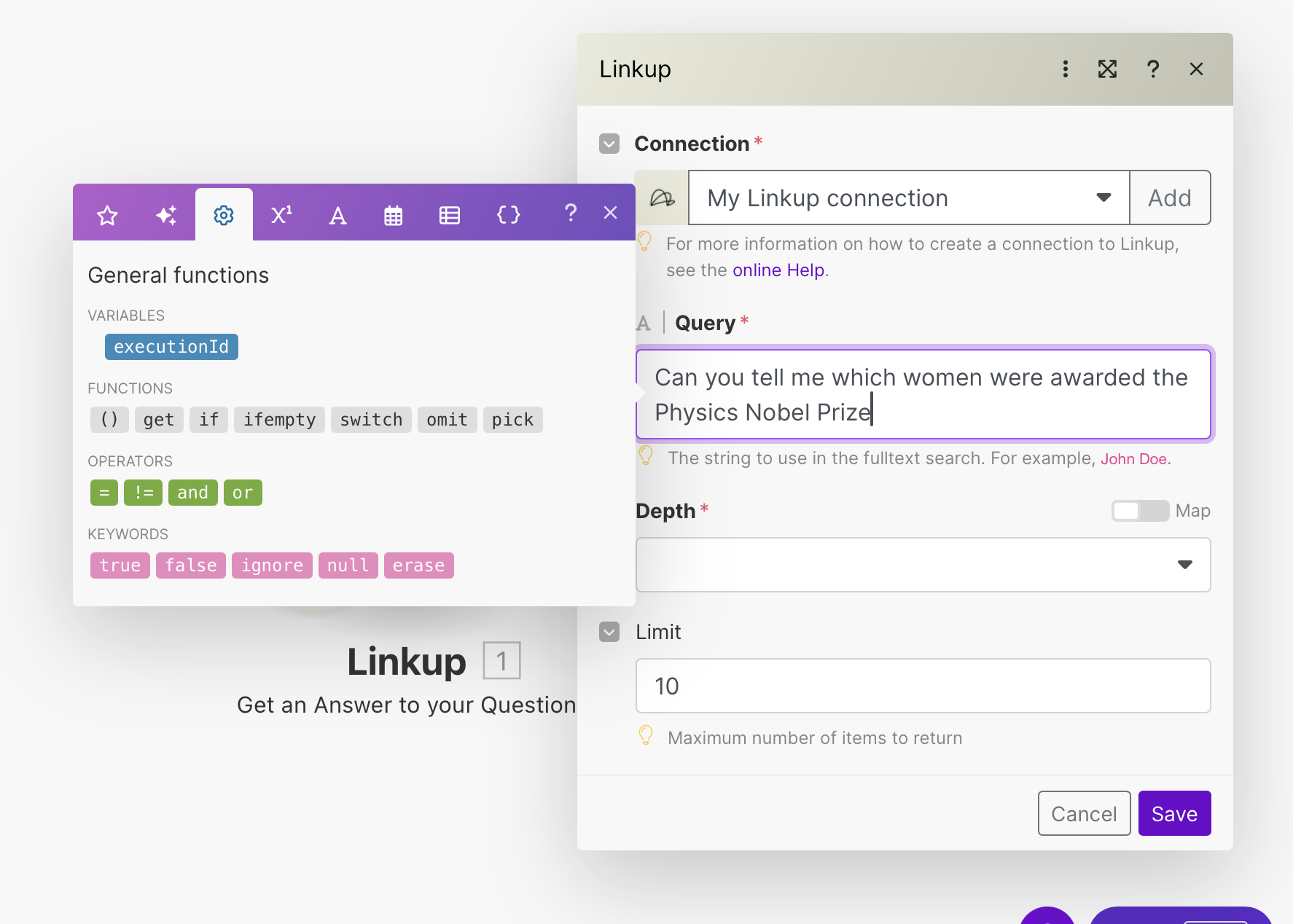
Need help? Email
support@linkup.so, ping us on Discord, or talk to us.