

Documentation Index
Fetch the complete documentation index at: https://docs.linkup.so/llms.txt
Use this file to discover all available pages before exploring further.
Overview
Linkup can be used with SurfSense as a Search Engine connector to create advanced AI agents and workflows based on internal and web data.Getting Started with Linkup in SurfSense
Setup SurfSense
Follow the guides here.
Add Linkup Connector
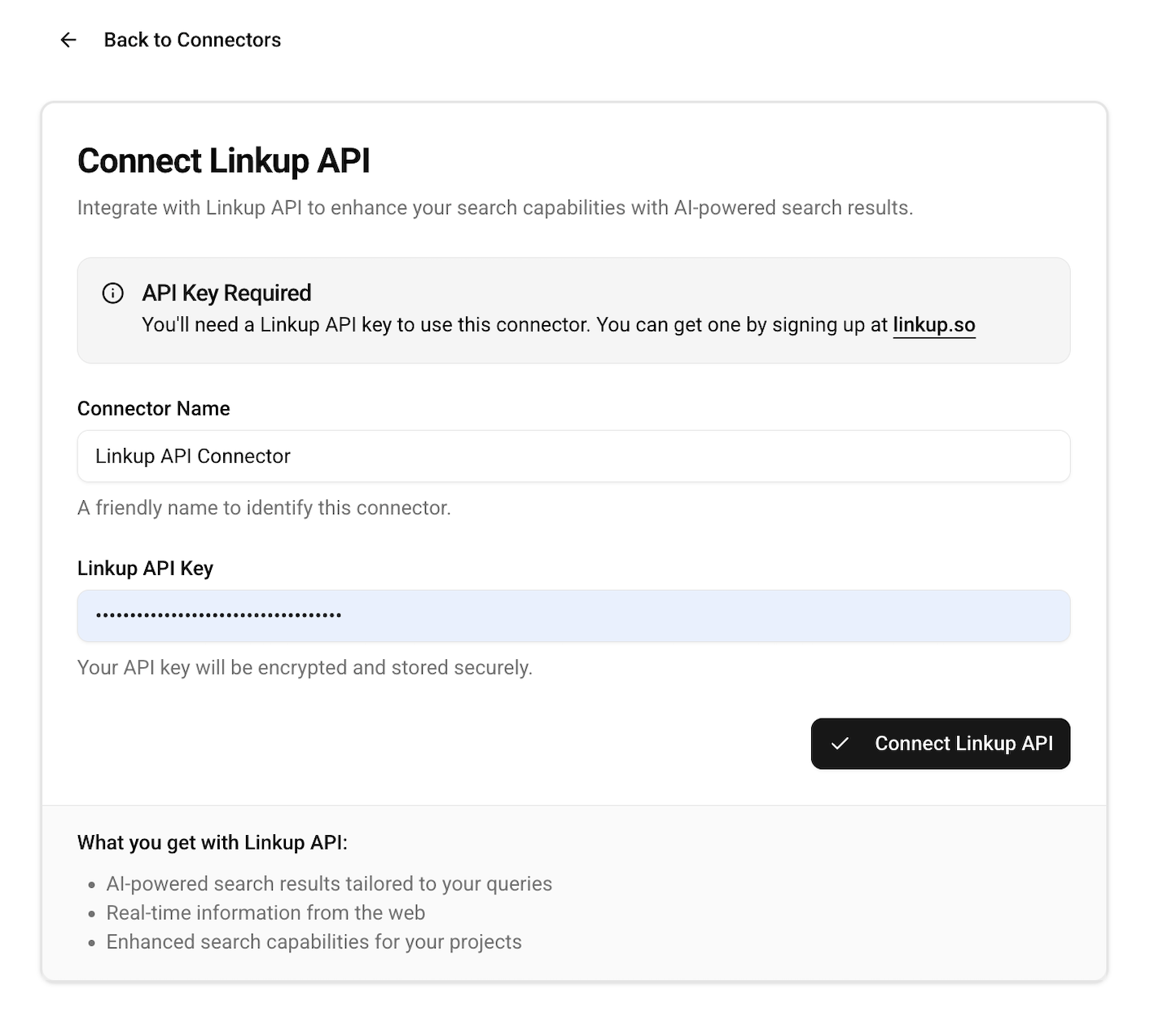
Navigate to the Add Connector page under Connectors section in SurfSense and configure with your Linkup API Key.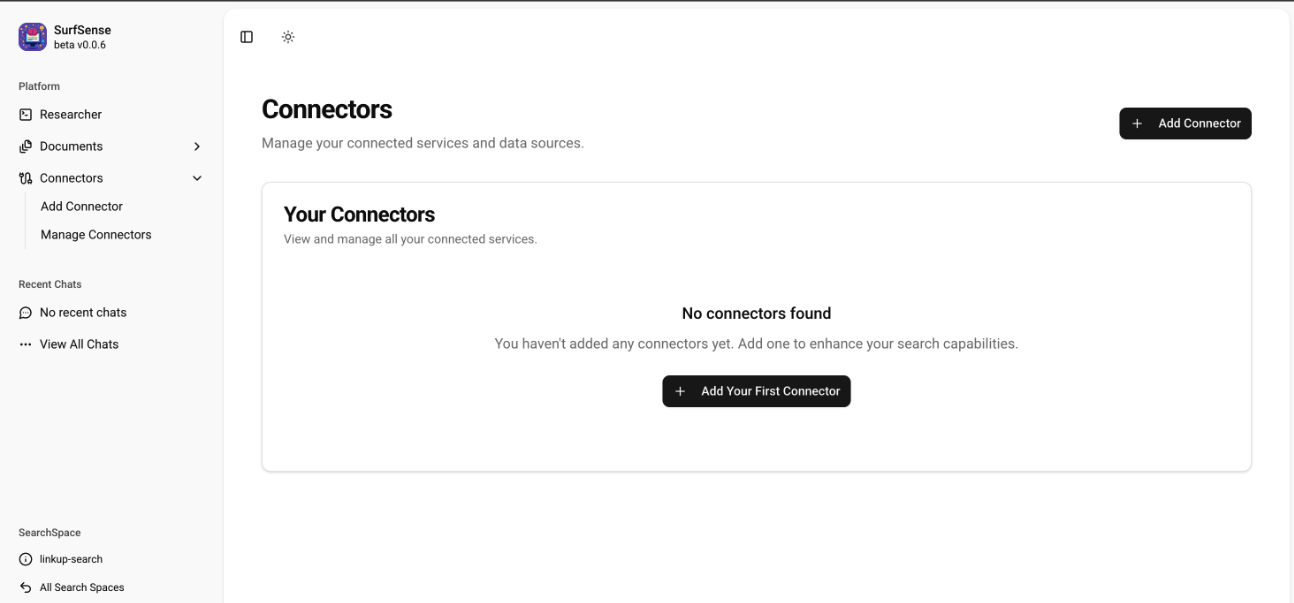
Select the Linkup Connector during Research
While performing a query under Researcher, select the Linkup Connector and save it.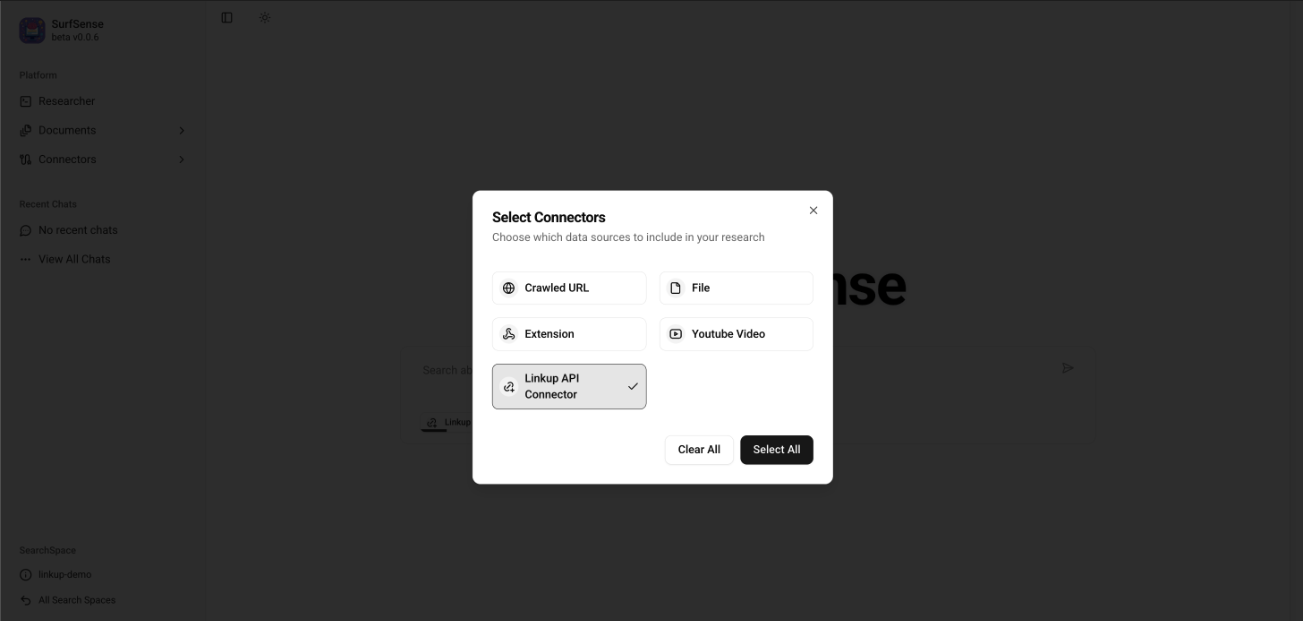
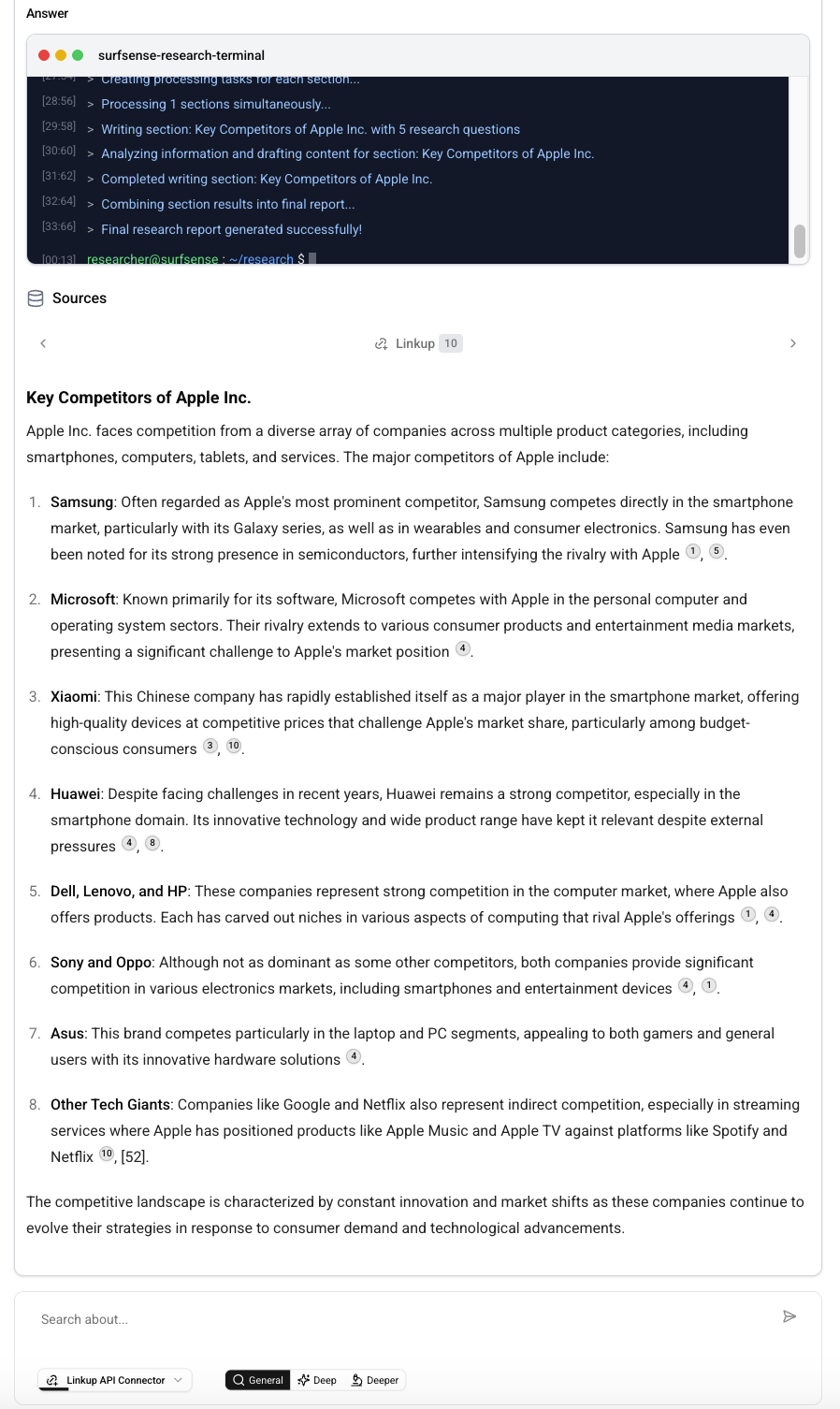
You are all set to use the Linkup Search API with SurfSense.
Example
Need help? Email
support@linkup.so, ping us on Discord, or talk to us.