

Overview
Linkup can be integrated with Dify as a tool to provide real-time web search capabilities to your AI applications. This integration allows your Dify agents to access up-to-date information from the internet.Installation
Install Linkup Plugin
- Log in to your Dify account
-
Install the Linkup Plugin from the Marketplace
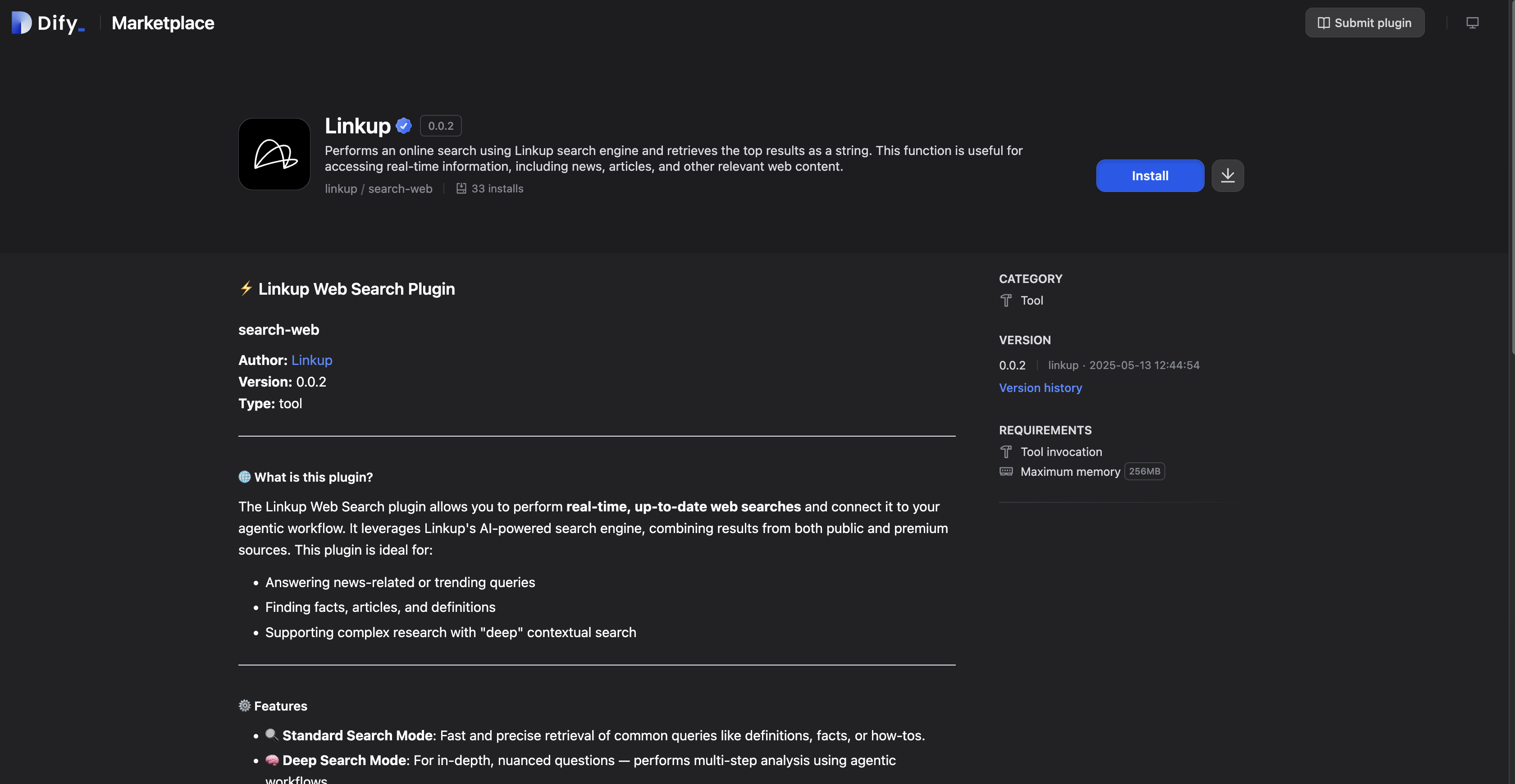
-
Click “Install” to add it to your workspace
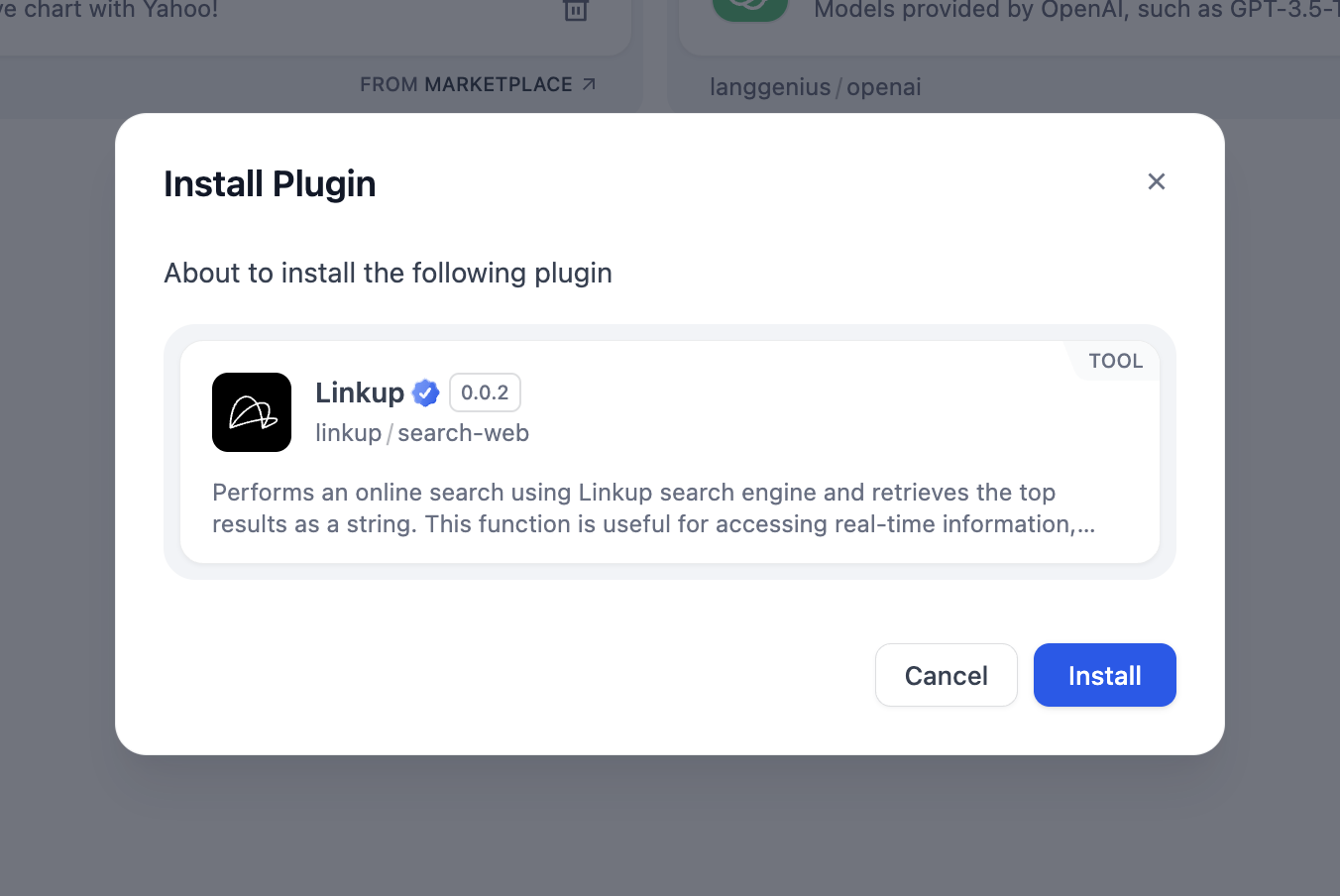
Authorize Linkup
-
After installation, click on “Authorize” to set up the plugin
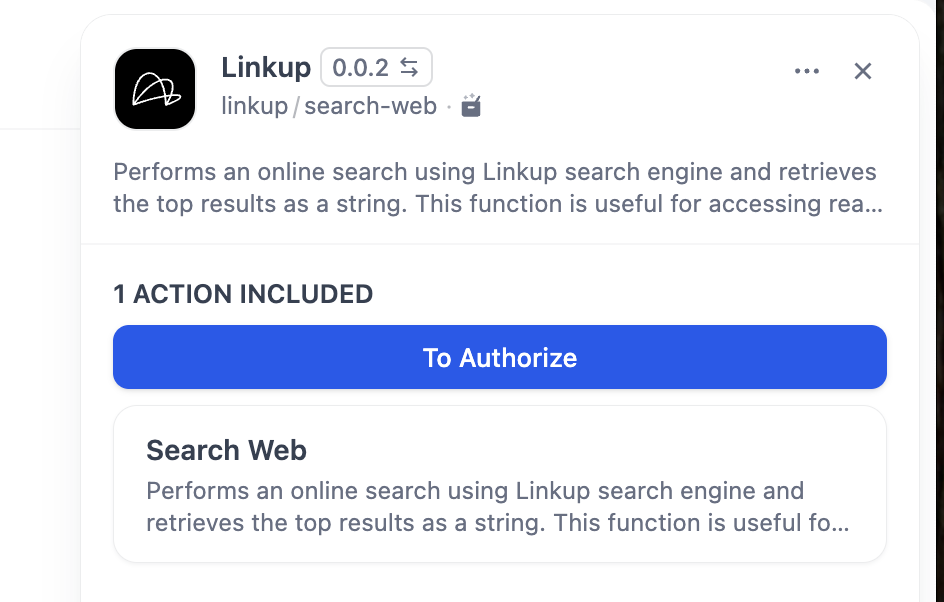
- Get your Linkup API Key:
Get your API key
Create a Linkup account for free to get your API key.
-
Enter your API key in the authorization page
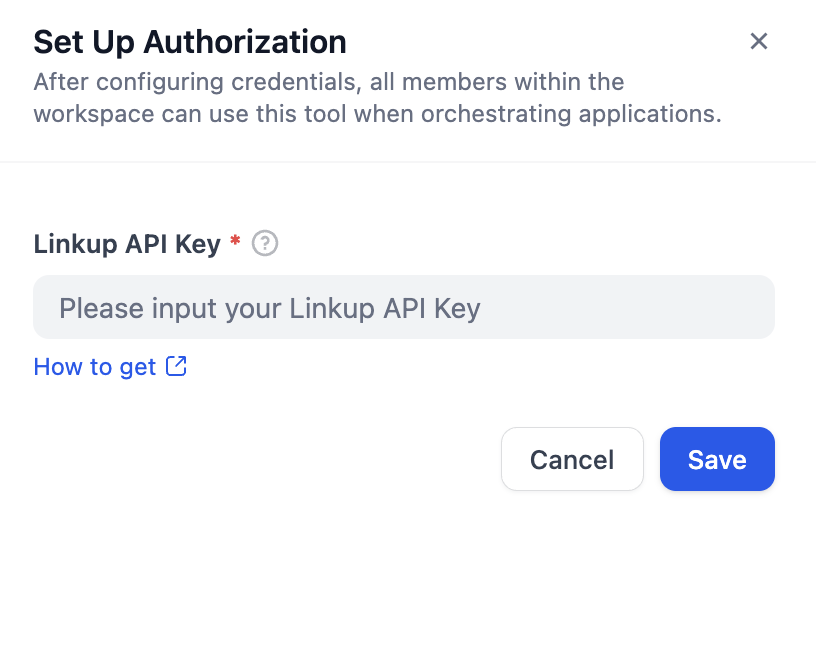
Add Linkup to Agent
- Go to your Dify application
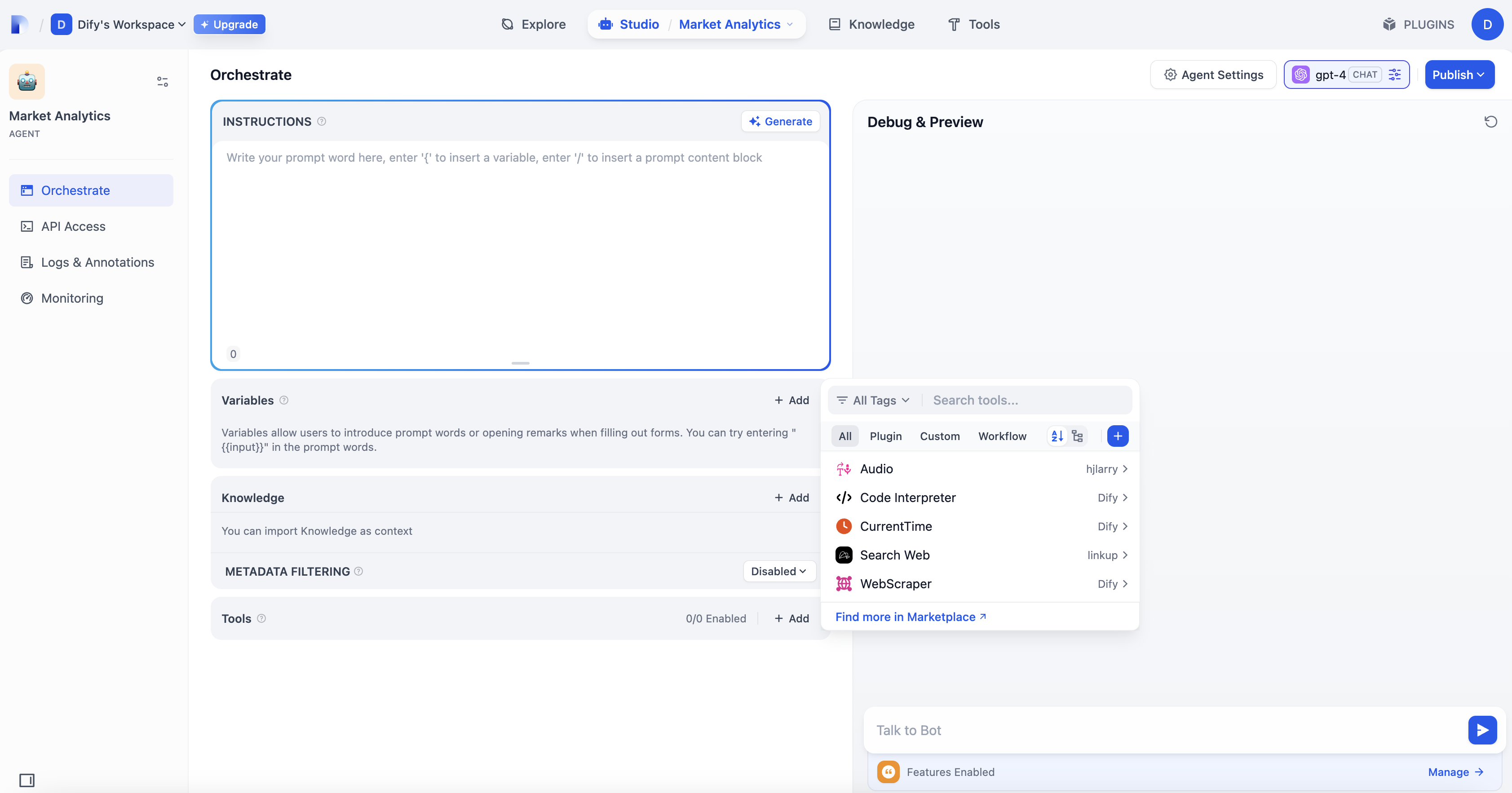
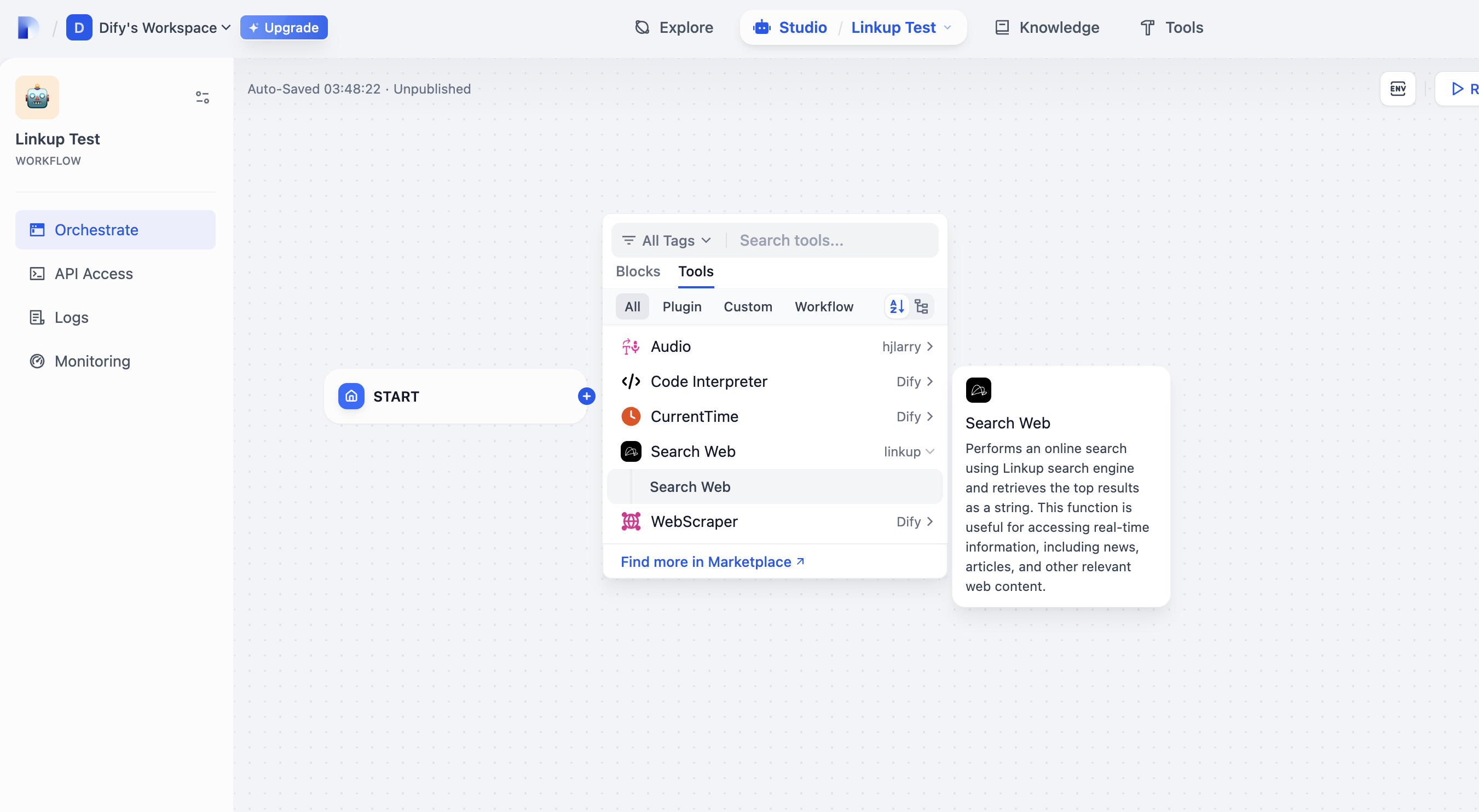
- Navigate to the Tools section
-
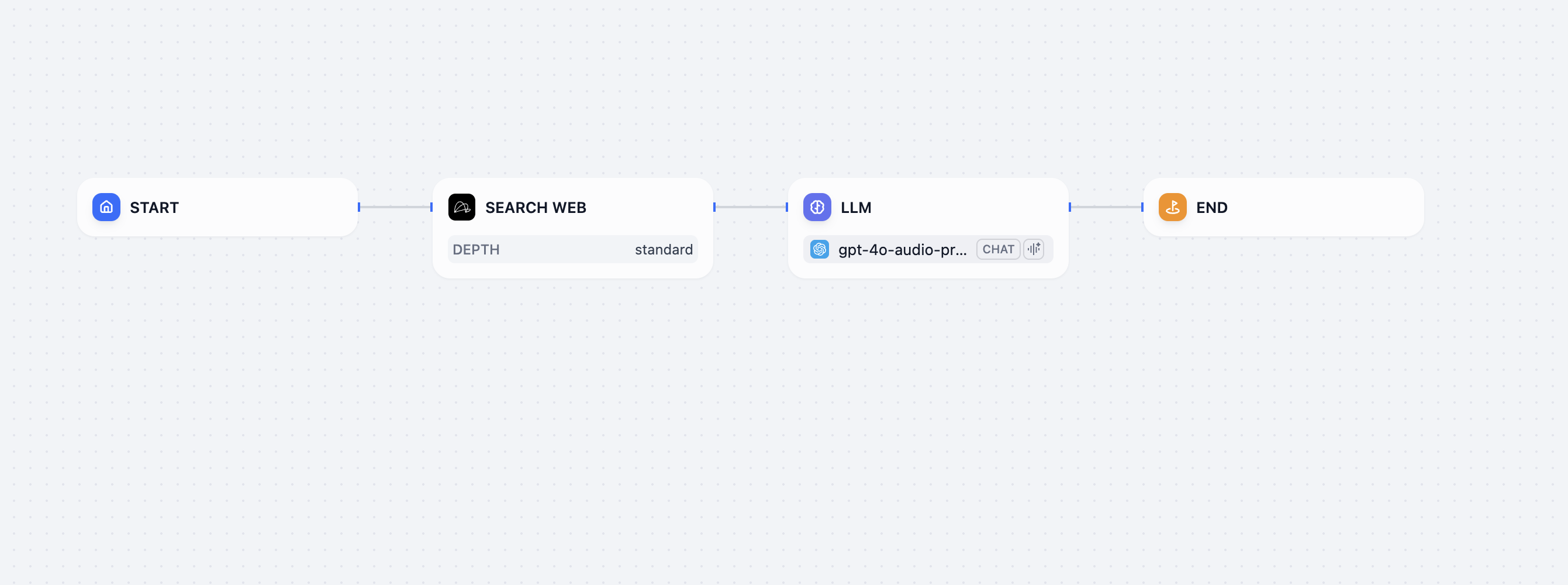
Add Linkup as a tool to your agent
Configure Tool Settings
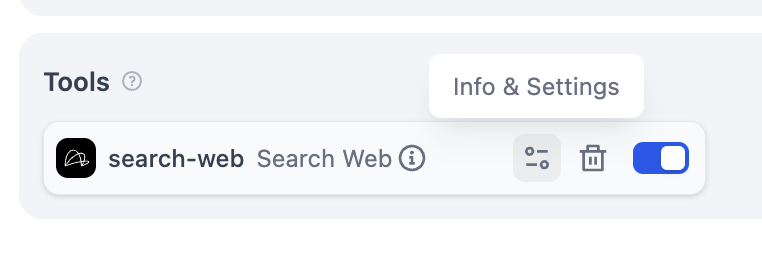
- Access the tool settings for Linkup
-
Configure the search parameters according to your needs
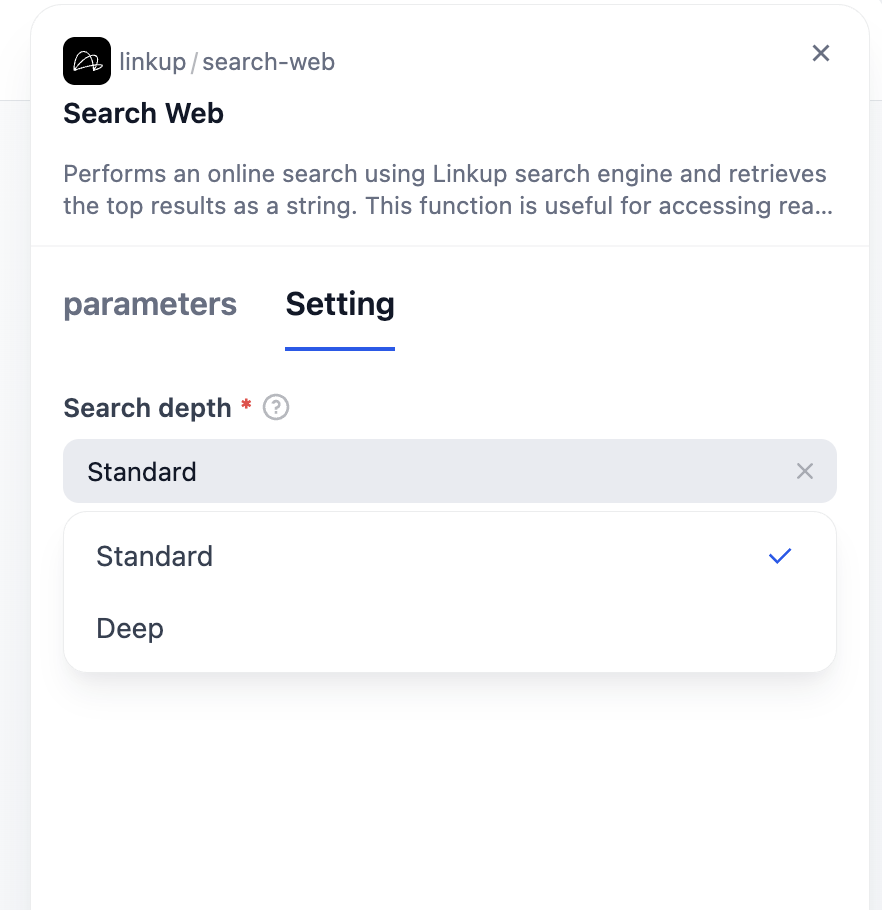
-
Select the appropriate search depth for your use case
Facing issues? Reach out to our engineering team at support@linkup.so or via our Discord or book a 15 minutes call with a member of our technical team.