

Overview
Linkup can be used with Pipedream as an Action to get contextual information from the internet.Installation
Create your project
-
Open your Pipedream account and click on New project

-
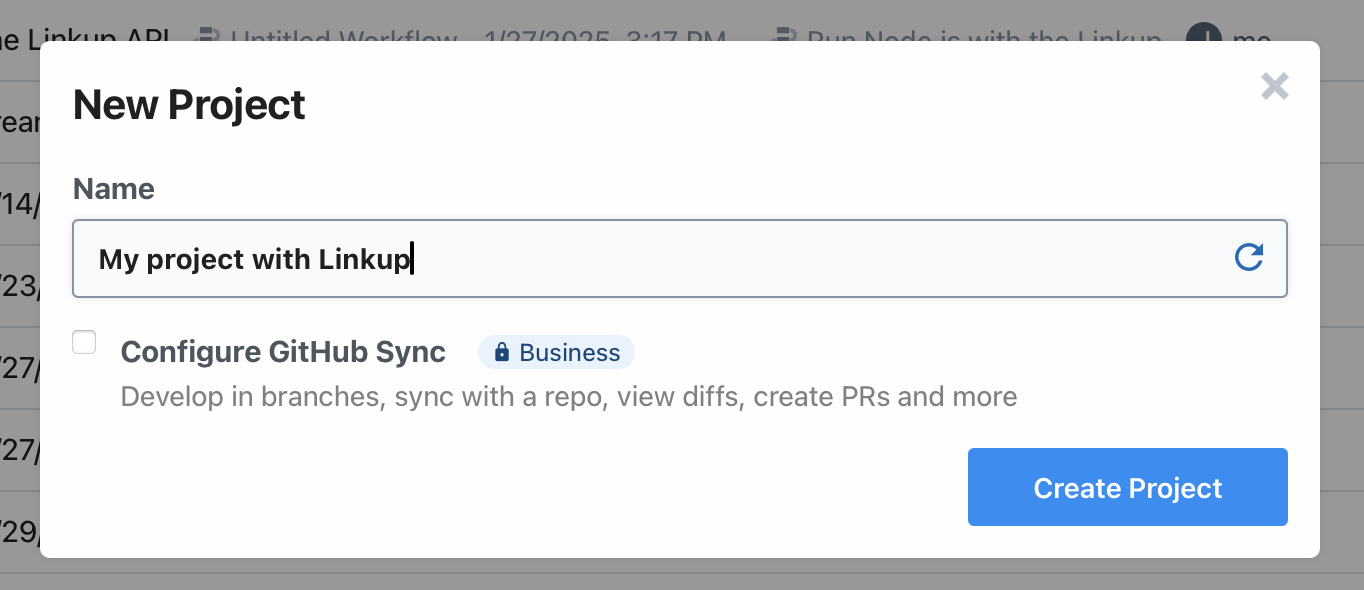
Name your project and click on Create Project
-
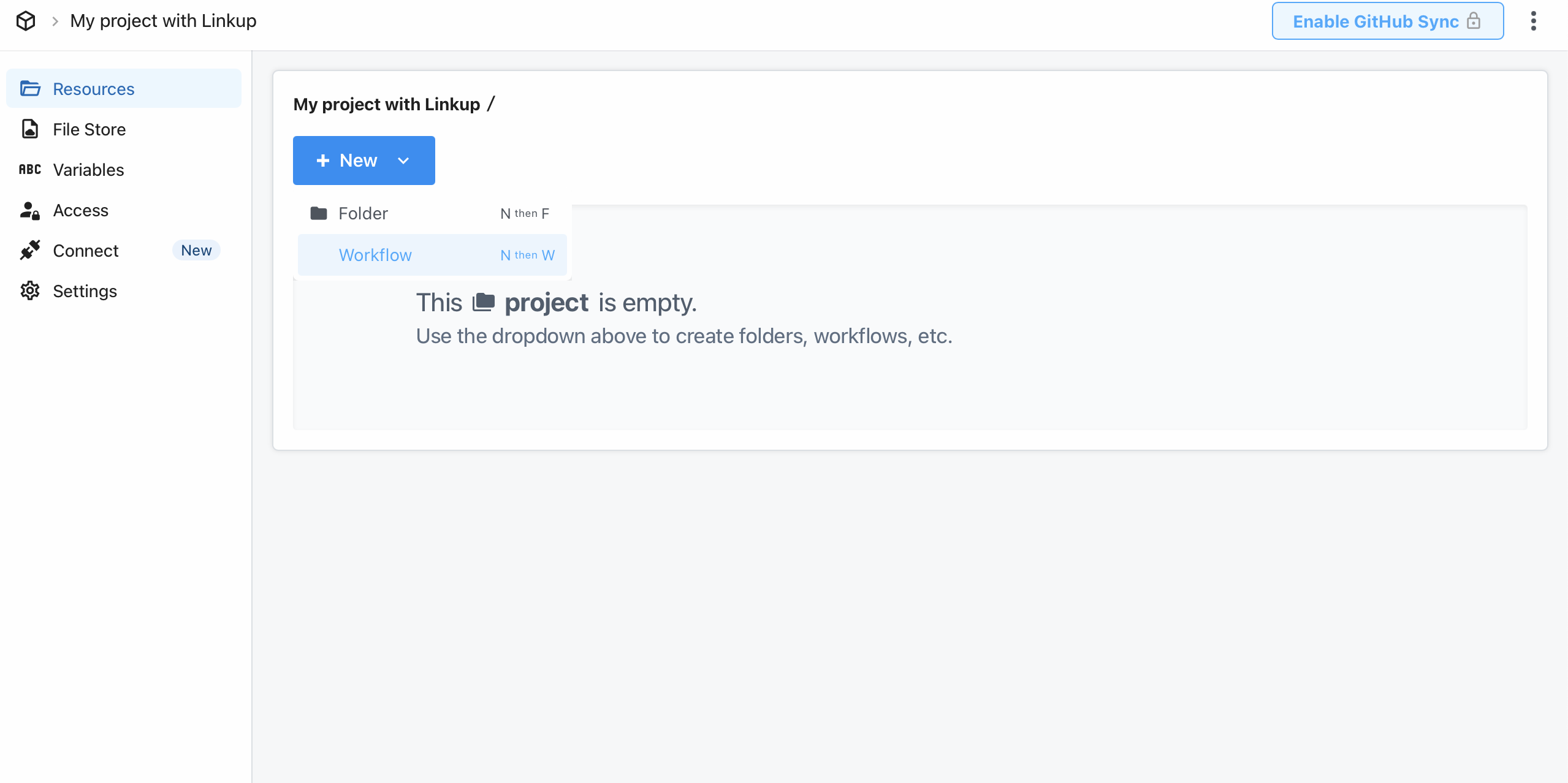
Click on New > Workflow.
-
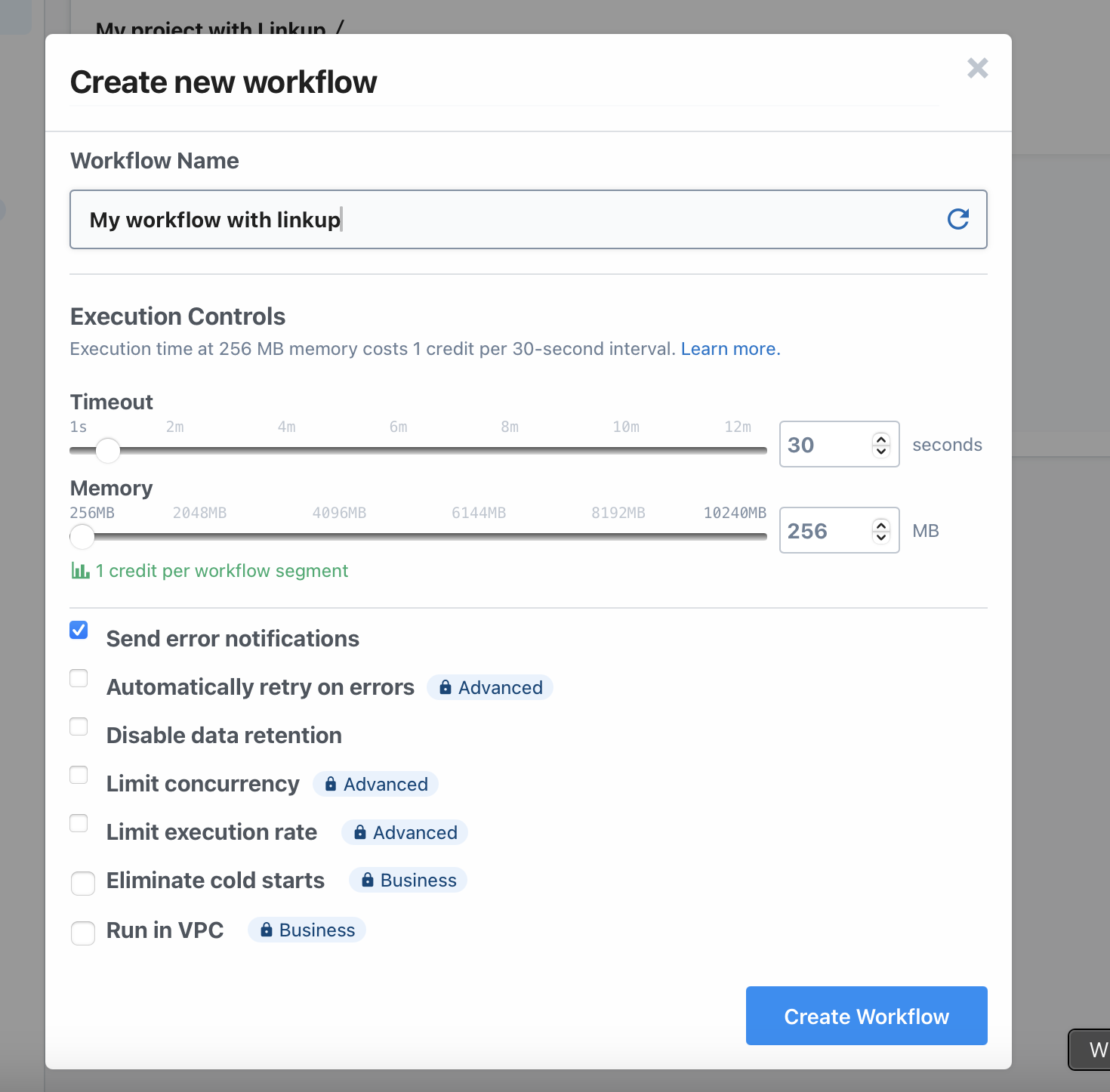
Name your workflow and click on Create Workflow
Select your Linkup Action
-
On the workflow page, click on the
+icon to add the Linkup Action
-
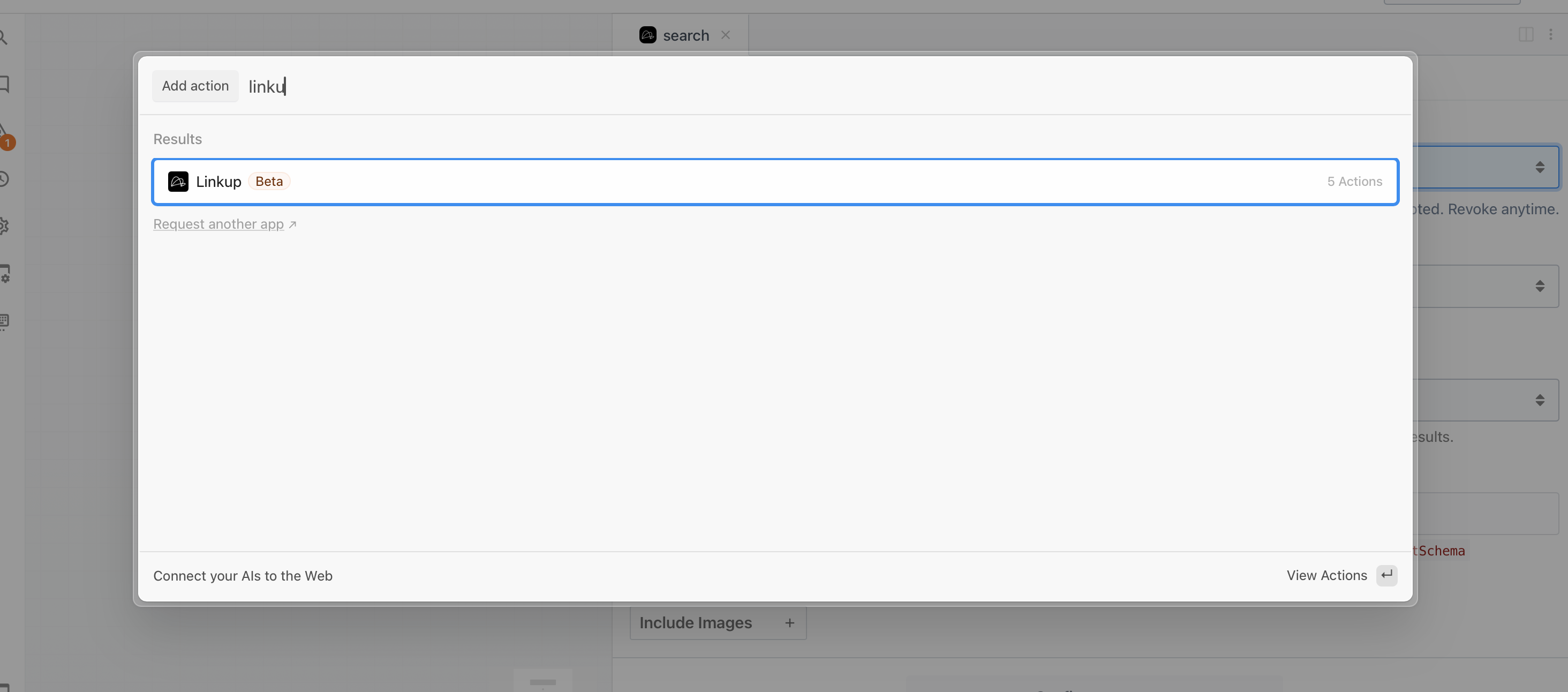
Search for Linkup and Click on it
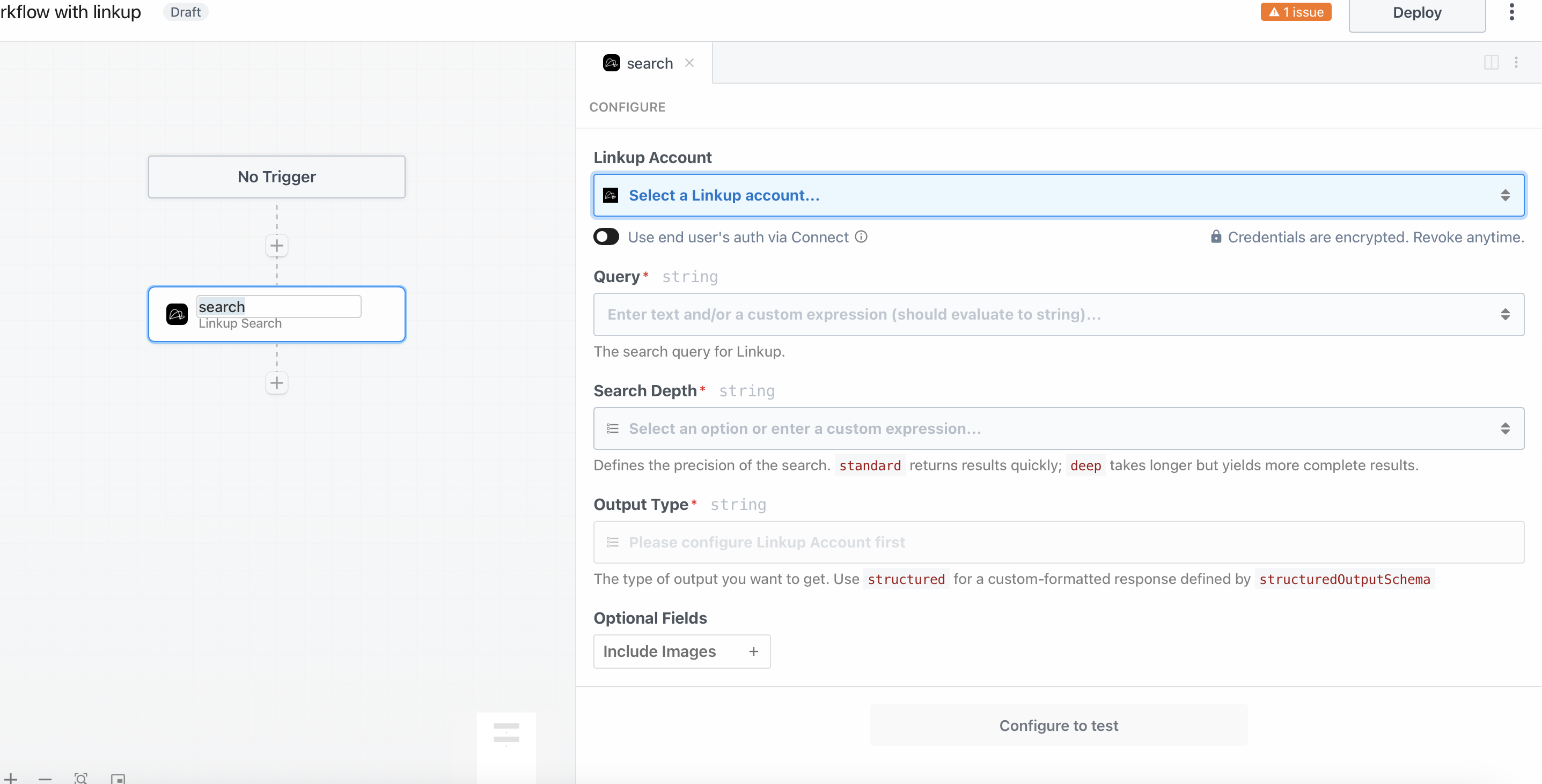
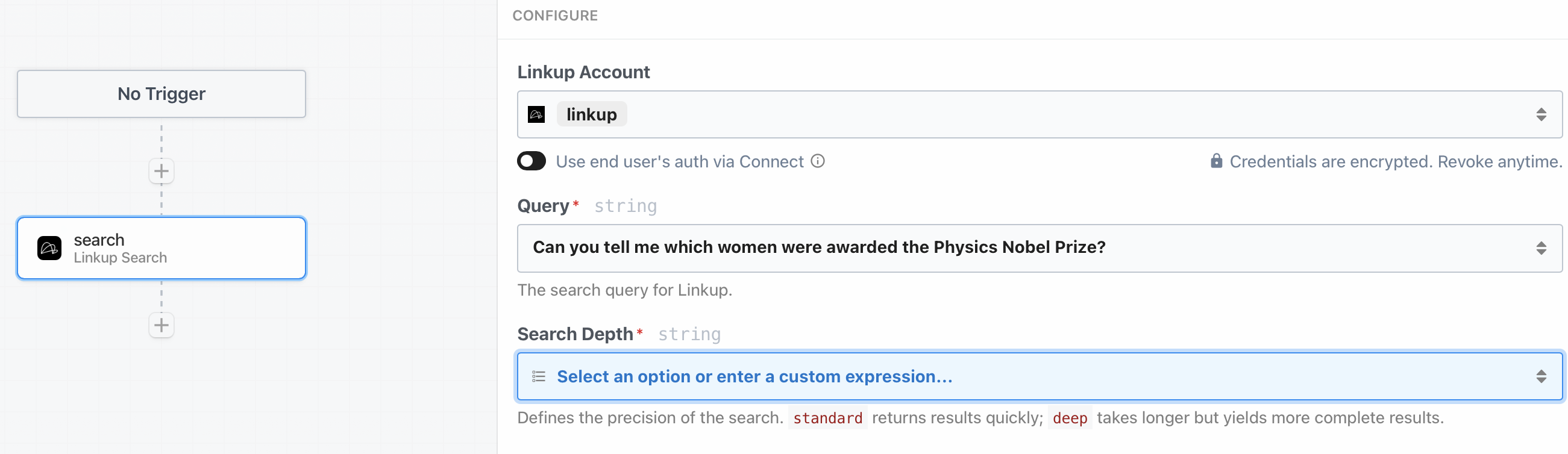
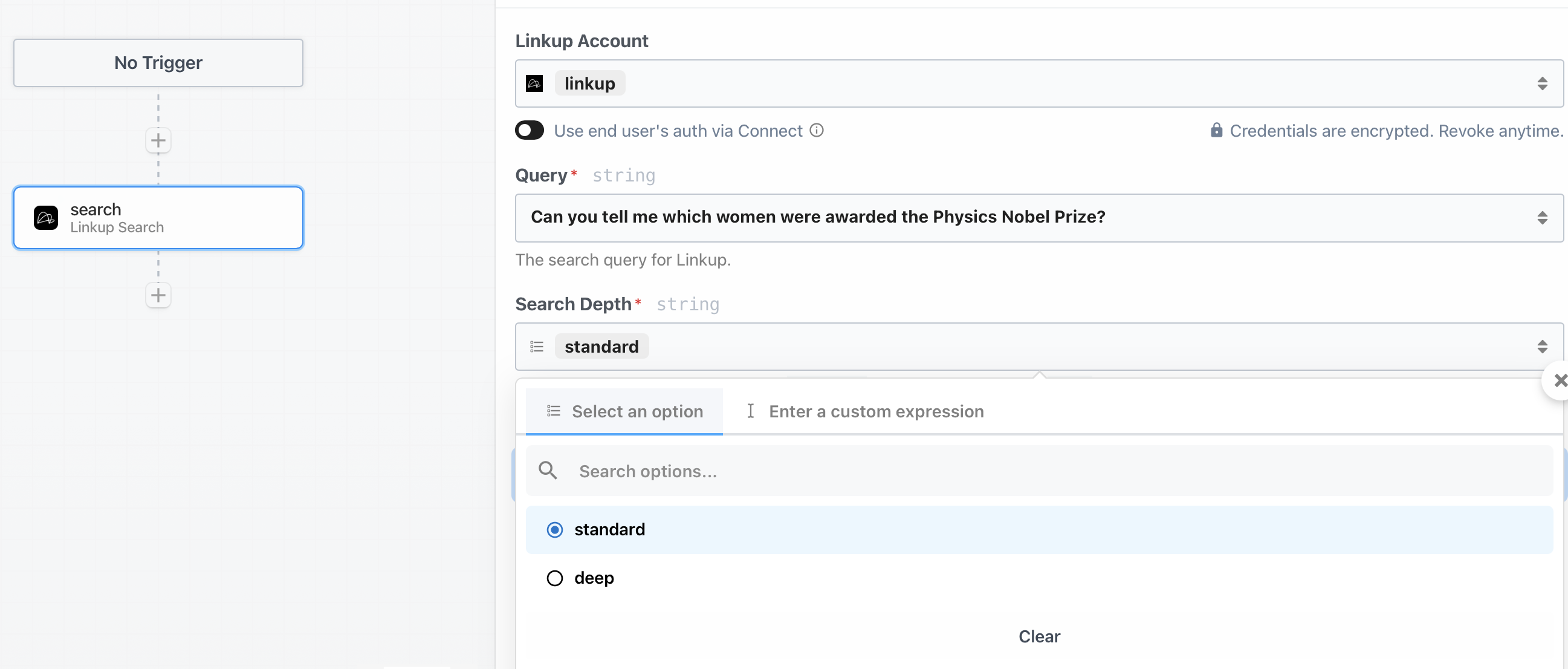
- Select the Linkup Action you want to use
Connect your Linkup Account
- Get your Linkup API Key
Get your API key
Create a Linkup account for free to get your API key.
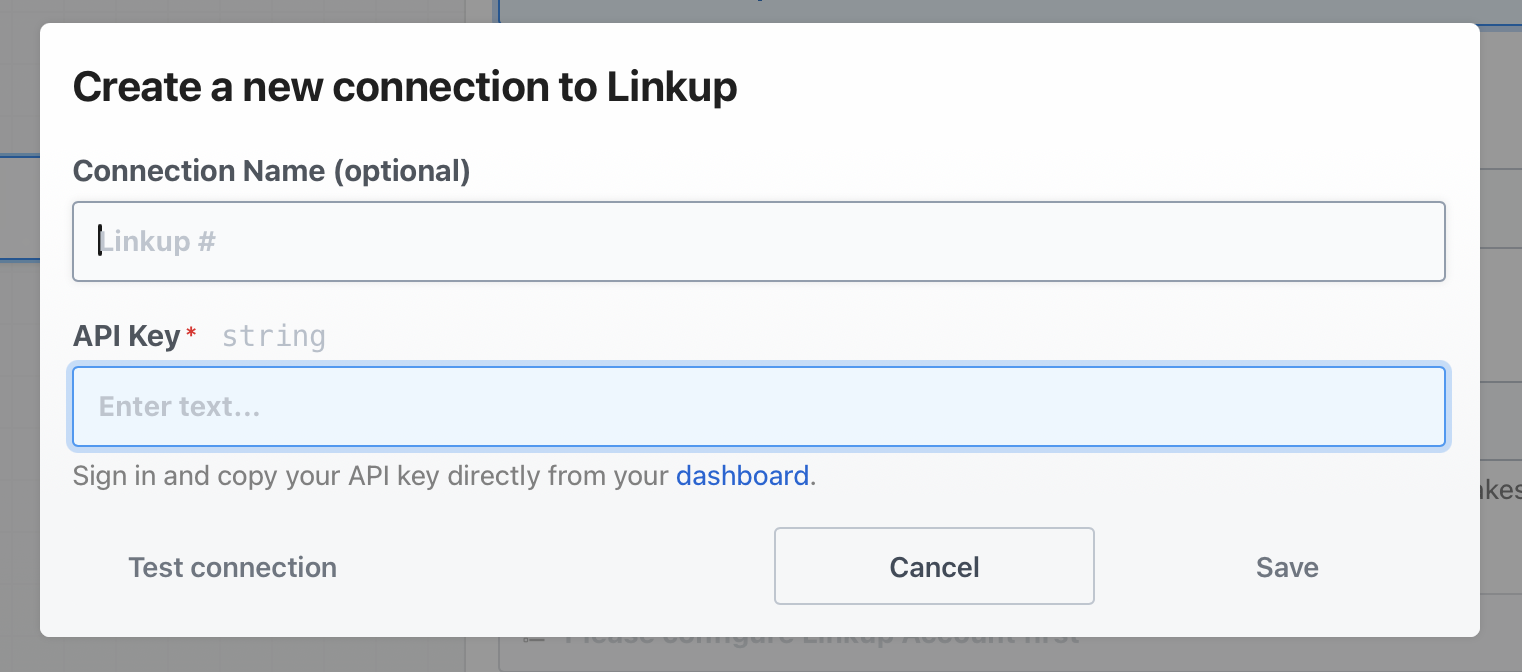
- Go to create a Linkup account, enter your API Key and choose your connection Name
Facing issues? Reach out to our engineering team at support@linkup.so or via our Discord or book a 15 minutes call with a member of our technical team.